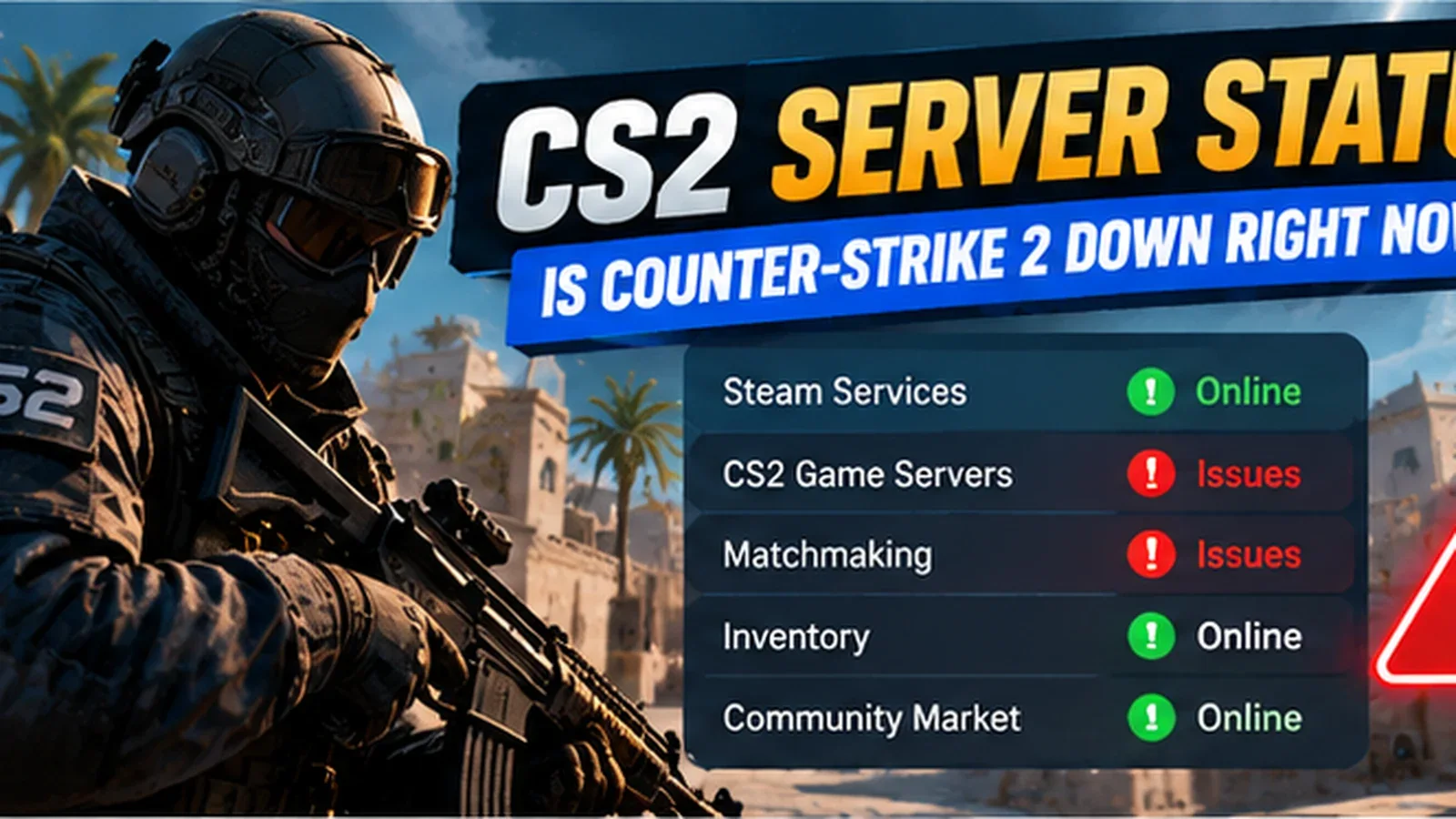
CS2 Server Status: Is Counter-Strike 2 Down Right Now?
CS2 not connecting? Learn how to check Counter-Strike 2 server status, identify Steam outages, and troubleshoot matchmaking and connection errors.
CS2 Server Status: Is Counter-Strike 2 Down Right Now?
Wondering is CS2 down right now? If Counter-Strike 2 matchmaking is unavailable, your inventory won't load, or you cannot connect to official servers, you're not alone in searching for an explanation.
Server interruptions can affect Counter-Strike 2 for several reasons, including Steam maintenance, regional connectivity problems, game updates, and temporary matchmaking issues.
Quick answer: Check Steam's current service status, look for official Counter-Strike announcements, and compare reports from other players before changing your PC settings.
How to Check CS2 Server Status
The fastest way to investigate a potential Counter-Strike 2 outage is to check several independent sources.
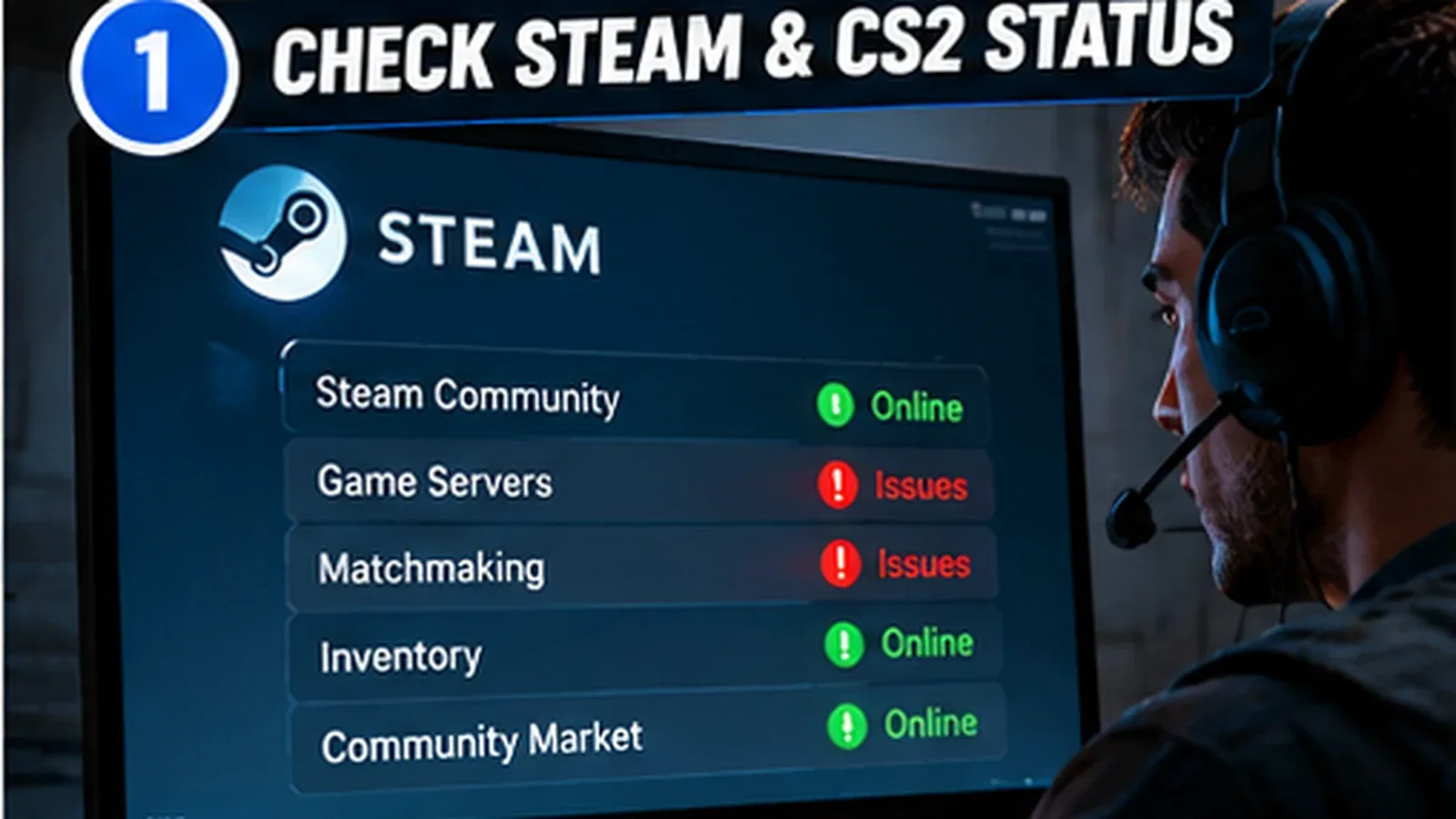
1. Check Steam Services
Visit Steam Status for community-maintained information about Steam services.
This can help identify broader Steam connectivity issues, although it is not an official Valve status dashboard.
2. Check Downdetector
Downdetector collects user-submitted outage reports.
A sudden increase in reports may indicate a widespread issue, but reports alone do not confirm a server outage.
3. Check Official Announcements
Review the official Counter-Strike website and Steam announcements for maintenance notices or game updates.
Why Are CS2 Servers Not Working?
Several problems can produce similar symptoms.
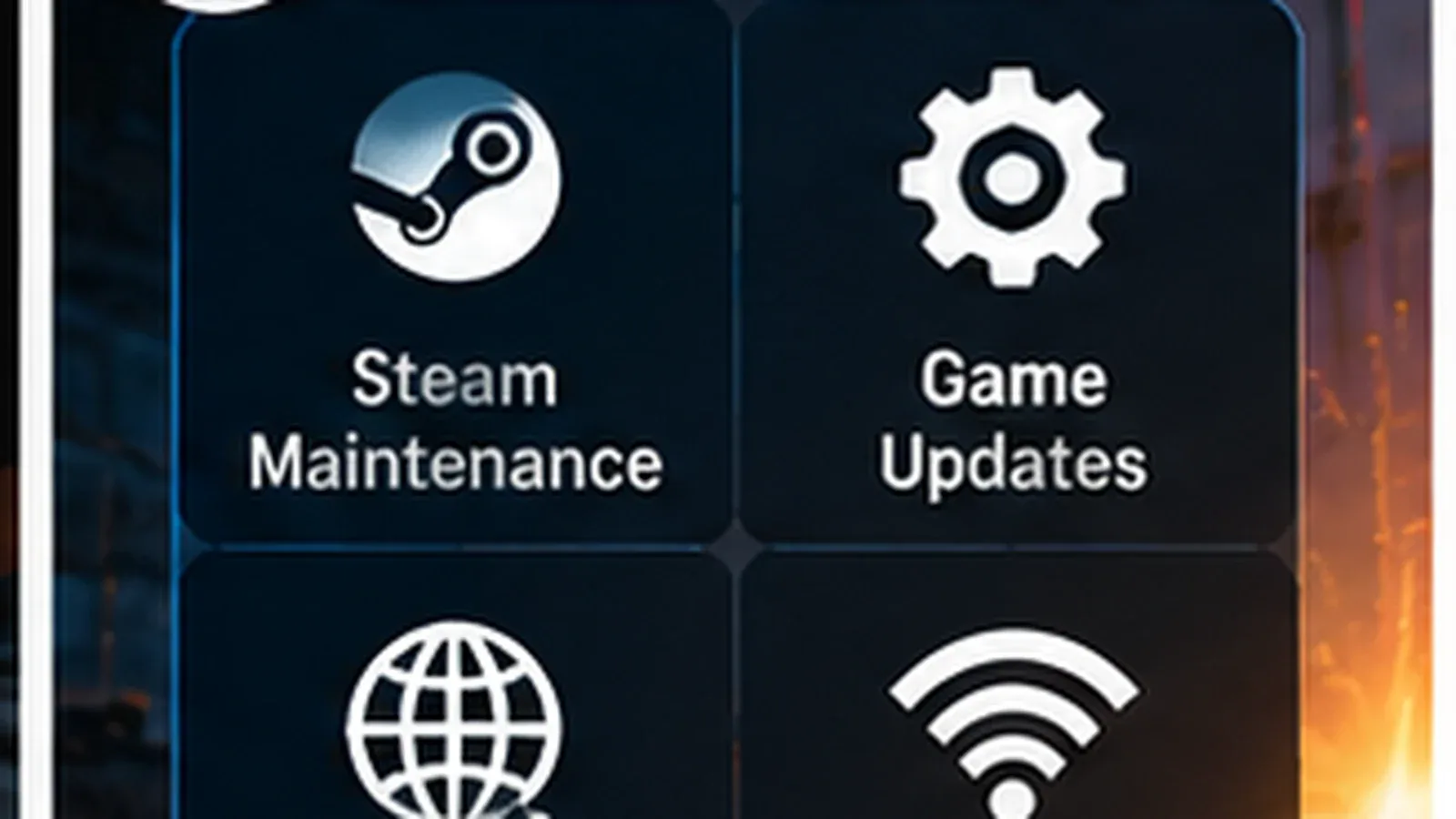
Steam Maintenance
Steam periodically performs maintenance that can temporarily affect online features.
During an interruption, matchmaking, inventory services, or account authentication may become unavailable.
Counter-Strike 2 Updates
Major updates can require players to download the latest version before reconnecting.
If your game version differs from the server version, matchmaking may fail.
Regional Server Problems
Some connection problems affect specific regions rather than the entire player base.
Players in Europe might experience issues while North American servers remain available, or vice versa.
Local Network Problems
Not every failed connection means CS2 is down.
Router issues, unstable Wi-Fi, firewall settings, or temporary internet problems can prevent successful matchmaking.
How to Fix CS2 Connection Errors
If other players can connect normally, try the following steps.
Restart Counter-Strike 2
Close CS2 completely and reopen the game.
This can resolve temporary authentication or connection problems.
Restart Steam
Exit Steam fully, then launch it again.
Make sure Steam is online and that your account is properly connected.
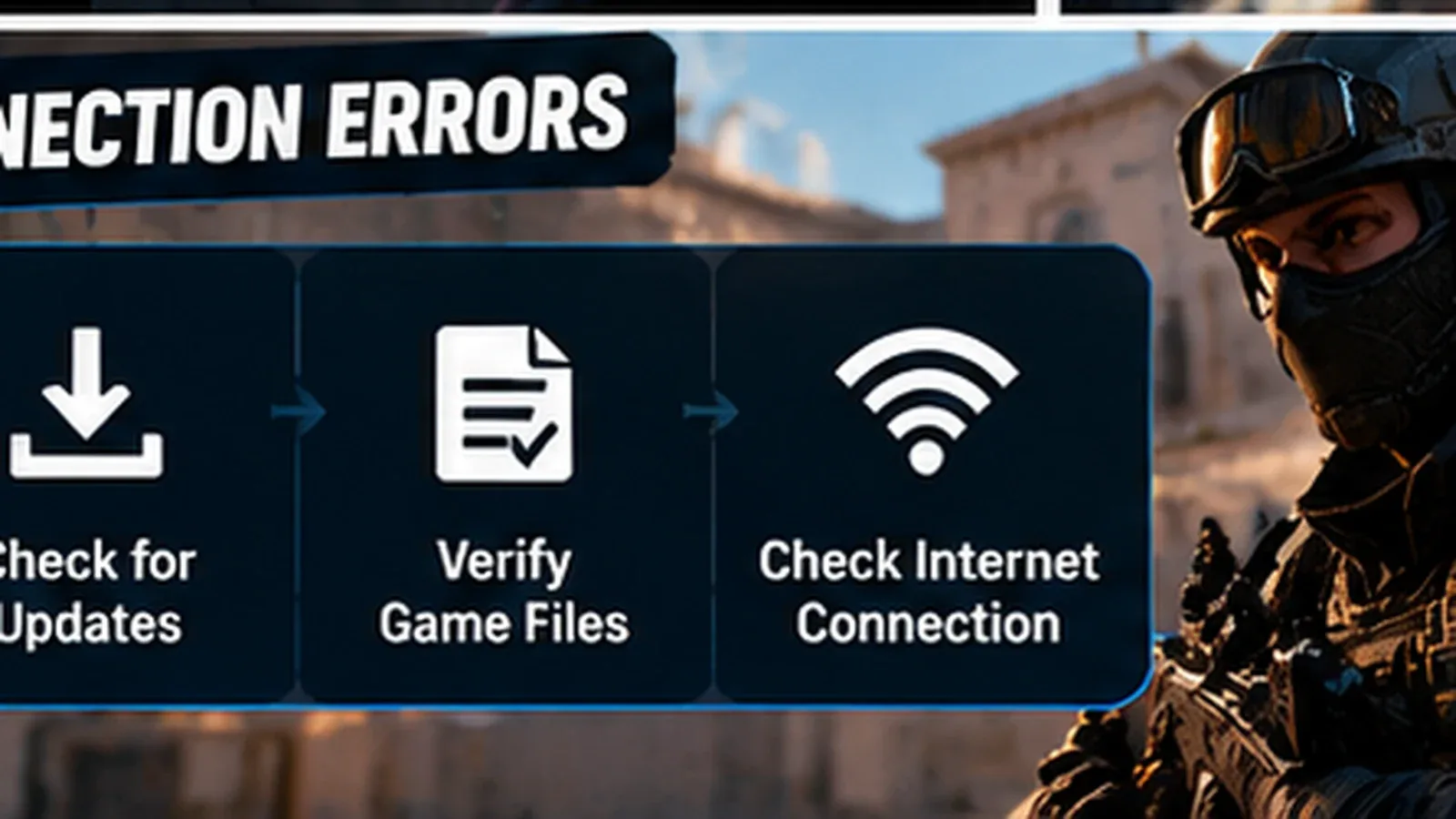
Check for Updates
Open your Steam Library and check whether Counter-Strike 2 has a pending update.
Allow any downloads or installations to finish.
Verify Game Files
- Open Steam.
- Right-click Counter-Strike 2.
- Select Properties.
- Open Installed Files.
- Select Verify integrity of game files.
Steam will check the installation and replace missing or damaged files when necessary.
Check Your Internet Connection
Try restarting your router or switching from Wi-Fi to a wired connection.
If your internet connection is working normally, avoid repeatedly changing network settings without evidence of a local problem.
CS2 Matchmaking Not Working
Matchmaking failures can occur even when Steam itself remains accessible.
Common symptoms include:
- Matchmaking searches that never finish.
- Failed connections to official servers.
- Unexpected matchmaking cancellations.
- Inventory or profile loading errors.
- Messages indicating that game services are unavailable.
If multiple players report the same problem simultaneously, waiting for service restoration may be the best solution.
Frequently Asked Questions
Is CS2 down worldwide?
Not necessarily. Some interruptions affect only particular services or regions. Check multiple sources to determine the likely scope.
How long does CS2 maintenance last?
There is no guaranteed duration. Minor interruptions may be brief, while larger technical problems can take longer to resolve.
Why can my friends play CS2 but I cannot?
Your issue may involve a local connection, game version, account session, or regional service.
Does CS2 server downtime affect skins?
Steam inventory services can temporarily become unavailable during an outage. A temporary display or connection problem does not necessarily mean your items are lost.
In short
If Counter-Strike 2 suddenly stops connecting, check Steam and community outage reports before reinstalling the game.
When an outage is widespread, local troubleshooting may not help. If services appear normal, restart Steam, update CS2, verify your game files, and check your connection.
Bookmark this guide for the next time CS2 matchmaking stops working.