The Ultimate Guide to Super Console X Pro: Top 11 Games You Must Play
Discover how to set up the Super Console X Pro, optimize RetroArch, fix common issues, and explore 11 legendary retro games worth revisiting.

Super Console X Pro Setup Guide and 11 Essential Retro Games
The Super Console X Pro is a compact retro gaming device designed to bring classic console and arcade experiences to modern televisions. Depending on the version and seller, it may include a preconfigured emulation interface, controllers, and a microSD card containing emulator software and game files.
For retro gaming enthusiasts, the appeal is obvious: one small device that can potentially run games associated with the NES, SNES, Sega Genesis, PlayStation 1, Nintendo 64, and numerous arcade systems.
However, the Super Console X Pro is not necessarily as straightforward as its advertising suggests.
Performance varies between emulators, controller configurations can be confusing, and some sellers make exaggerated claims about the number of supported games.
In this guide, we'll explain how to set up the Super Console X Pro, improve your experience, troubleshoot common problems, and explore 11 legendary retro games worth revisiting.
Quick answer: The Super Console X Pro can be an accessible introduction to retro emulation, particularly for 8-bit, 16-bit, and many PlayStation 1 titles. However, hardware revisions, software configurations, and the quality of the supplied microSD card can significantly affect the experience.
What Is the Super Console X Pro?
The Super Console X Pro is a retro emulation device commonly sold through third-party online retailers.
Many versions use an Amlogic S905X-family processor and a Linux-based gaming interface built around EmuELEC, EmulationStation, and RetroArch.
However, the name is used across different product listings, so specifications should be verified for the exact unit being purchased.
Unlike an original console, the device does not contain the hardware of every supported gaming system.
Instead, it uses emulation software to reproduce the behavior of older hardware.
This allows a single device to support multiple gaming platforms, although compatibility and performance depend on the emulator and hardware.
Super Console X Pro Specifications
| Feature | What to Expect |
|---|---|
| Device type | Retro emulation micro-console |
| Processor | Often advertised with an Amlogic S905X-family chipset |
| Operating system | Frequently EmuELEC-based |
| Front-end | Commonly EmulationStation or similar |
| Emulator management | Often uses RetroArch for supported systems |
| Storage | Usually a microSD card |
| Video connection | HDMI |
| Controllers | USB or wireless, depending on bundle |
| Supported systems | Varies by software configuration |
| Game library | Depends on the seller and supplied storage |
Important: Some retailers use similar product names for different hardware. Do not assume that every Super Console X Pro has identical specifications.
How to Set Up the Super Console X Pro
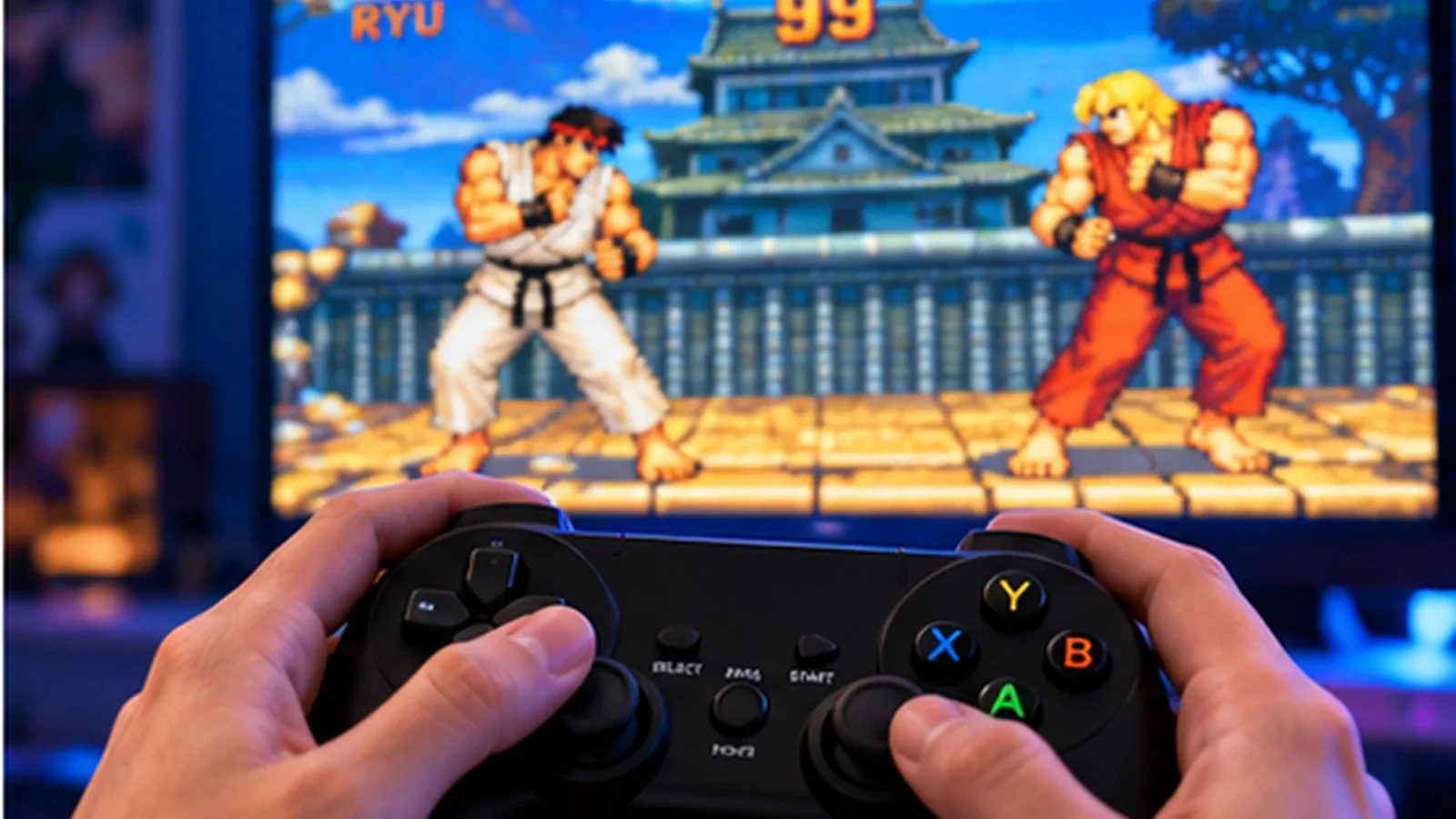
Getting started usually takes only a few minutes, but following the correct order can prevent common problems.
Step 1: Check the Contents
Depending on your bundle, you may receive:
- The retro gaming console
- One or two controllers
- An HDMI cable
- A power adapter
- A microSD card
- A wireless controller receiver
- Basic setup instructions
Before connecting anything, inspect the power adapter and confirm that its voltage, polarity, and connector match the device's requirements.
Using an incompatible power supply can damage electronic hardware.
Step 2: Back Up the MicroSD Card
Before changing emulator settings or updating software, create a complete backup of the original microSD card.
This is one of the most important recommendations in this guide.
Preconfigured retro consoles often depend on specific partitions, configuration files, and emulator versions.
If the card becomes corrupted, restoring the original configuration may be difficult.
Use a trusted disk-imaging utility to create a full image of the card.
Store the backup somewhere safe.
If you decide to replace the supplied card, use a reliable, compatible microSD card and restore only software and game data you are authorized to use.
Step 3: Connect the Console
Connect the HDMI cable to your television or monitor.
Next, connect your controllers or wireless receiver.
Insert the microSD card if it is not already installed.
Finally, connect the correct power adapter and switch on the device.
The first boot may take longer than subsequent startups.
If the device does not display an image, check the television input and HDMI connection before changing software settings.
Step 4: Configure the Controllers
Controller configuration is essential for a comfortable experience.
Depending on the software version, the system may ask you to map buttons during initial setup.
Common inputs include:
- Directional pad
- Left and right analog sticks
- A, B, X, and Y buttons
- Shoulder buttons
- Start and Select
- Hotkey button
Follow the on-screen instructions carefully.
The labels on modern controllers do not always correspond directly to the layouts used by older consoles.
For example, a Nintendo-style layout may feel different when mapped to an Xbox-style controller.
Step 5: Learn the Emulator Interface
Many Super Console X Pro configurations use a front-end that organizes games by platform.
You may see categories such as:
- Nintendo Entertainment System
- Super Nintendo
- Sega Genesis
- Game Boy Advance
- PlayStation
- Nintendo 64
- Arcade
Select a platform to browse its available games.
Remember that the appearance of a platform in the menu does not guarantee that every game for that system will run correctly.
Best RetroArch Settings for Super Console X Pro
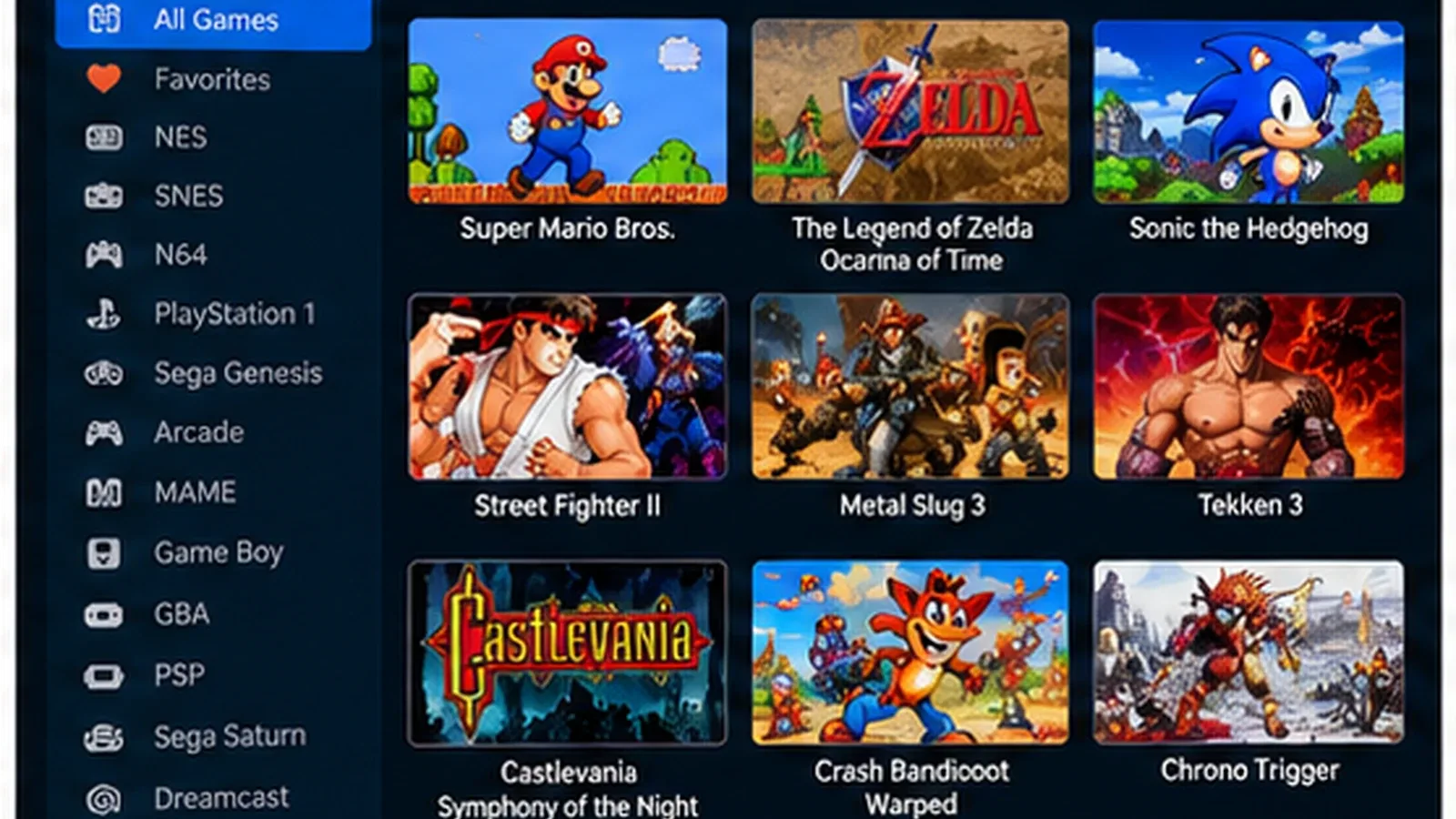
RetroArch provides a unified interface for multiple emulator cores.
Its flexibility is useful, but changing settings without understanding them can create problems.
Here are the adjustments worth considering first.
1. Use the Correct Aspect Ratio
Many classic console games were designed for a 4:3 display.
On a modern 16:9 television, stretching these games across the entire screen can distort characters and environments.
For most classic systems, begin with a 4:3 presentation.
Some games and platforms require different handling, particularly those with unusual internal resolutions or aspect-ratio behavior.
Use the original presentation as your starting point rather than automatically forcing widescreen output.
2. Enable Appropriate Video Scaling
Retro games often use low-resolution pixel art.
Modern televisions must scale these images to much higher resolutions.
Integer scaling can preserve consistent pixel dimensions when the available screen space allows it.
However, integer scaling may create larger borders around the image.
For players who prefer a larger picture, alternative scaling options may be more practical.
There is no universally correct setting.
3. Use Shaders Carefully
Shaders can simulate aspects of older CRT displays.
Some introduce scanlines, softened edges, or other visual characteristics.
Lightweight shaders may improve the appearance of certain games, but demanding shaders can reduce performance on inexpensive hardware.
Start without shaders.
Once you confirm that a game runs smoothly, experiment with simple options.
4. Avoid Unnecessary Latency Settings
RetroArch includes features designed to reduce input latency.
However, certain options can increase CPU requirements or introduce compatibility problems.
On modest hardware, aggressive latency reduction may be counterproductive.
Prioritize stable gameplay before experimenting with advanced features.
5. Save Emulator Settings Carefully
Depending on your RetroArch configuration, settings may be saved globally, per core, or per game.
This matters because an adjustment that improves one emulator can negatively affect another.
When possible, use core-specific or game-specific overrides.
Keep a record of important changes so you can reverse them if necessary.
Super Console X Pro Performance: What Can It Actually Run?
One of the biggest misconceptions surrounding retro emulation boxes is that the advertised number of games or supported platforms reflects actual performance.
It does not.
Performance depends on the processor, emulator core, firmware version, video settings, and individual game.
| Platform | General Expectations |
|---|---|
| NES | Usually relatively undemanding |
| SNES | Many games should be manageable |
| Sega Genesis | Generally suitable for modest emulation hardware |
| Game Boy Advance | Many games may perform well |
| PlayStation 1 | Many titles may be playable with suitable cores |
| Nintendo 64 | Compatibility and performance can vary significantly |
| Arcade | Depends heavily on the original arcade hardware and emulator |
| PSP | Performance varies substantially by title |
| Dreamcast | Often more demanding and configuration-dependent |
These are general expectations, not benchmark results for every Super Console X Pro revision.
Claims such as "supports 100,000 games" should not be interpreted as proof that every listed game works correctly.
Top 11 Games to Play on Super Console X Pro
The following games are our editorial recommendations for a retro gaming collection.
They are not a verified list of games included with every Super Console X Pro. Availability depends on your legally obtained game library, emulator configuration, and device compatibility.
1. Castlevania: Symphony of the Night — PlayStation 1
Few PlayStation games have influenced modern game design as much as Castlevania: Symphony of the Night.
Its interconnected castle, exploration mechanics, RPG progression, and atmospheric soundtrack helped define what later became known as the Metroidvania genre.
Players gradually unlock new abilities that open previously inaccessible areas.
This makes exploration feel rewarding without requiring a strictly linear progression path.
Why play it: Exceptional exploration, memorable environments, and lasting influence on action-adventure games.
2. Tekken 3 — PlayStation 1
Tekken 3 remains one of the most recognizable fighting games from the original PlayStation era.
Its accessible controls hide a surprisingly deep combat system.
Different characters offer distinct movement, timing, and combo strategies.
For retro gaming enthusiasts, Tekken 3 is particularly enjoyable when played locally against friends.
Why play it: Fast-paced fighting, recognizable characters, and excellent local multiplayer appeal.
3. Crash Bandicoot: Warped — PlayStation 1
Crash Bandicoot: Warped combines platforming challenges with colorful environments and varied gameplay.
Its levels include traditional platforming sections alongside vehicle-based and other specialized challenges.
The game's pacing makes it approachable for shorter sessions.
Why play it: Accessible platforming, strong level variety, and memorable PlayStation-era design.
4. Super Mario 64 — Nintendo 64
Super Mario 64 helped establish many of the conventions of modern 3D platforming.
Its movement system encourages experimentation, while the castle structure provides an enjoyable sense of discovery.
Even decades later, its level design remains influential.
Nintendo 64 emulation can be demanding on inexpensive hardware, so test performance before assuming that every configuration will run it smoothly.
Why play it: Foundational 3D platforming and creative level design.
5. The Legend of Zelda: Ocarina of Time — Nintendo 64
Ocarina of Time is widely recognized as a landmark action-adventure game.
Its combination of exploration, dungeon puzzles, combat, and storytelling helped shape later entries in the genre.
The game rewards curiosity and careful observation.
As with Super Mario 64, performance depends on the specific Nintendo 64 emulator and hardware configuration.
Why play it: Memorable dungeons, exploration, and influential adventure-game design.
6. Metal Slug 3 — Arcade
Metal Slug 3 delivers fast-paced arcade action with detailed sprite animation and imaginative enemy design.
Its run-and-gun gameplay emphasizes movement, timing, and quick reactions.
The game also offers a strong cooperative experience.
Arcade emulation requires an appropriate emulator core and compatible game files.
Why play it: Outstanding pixel art, chaotic action, and cooperative gameplay.
7. Street Fighter III: 3rd Strike — Arcade
Street Fighter III: 3rd Strike is celebrated for its technical depth and expressive animation.
Its parry system rewards precise timing and confident decision-making.
For competitive fighting-game enthusiasts, it offers a demanding but rewarding learning experience.
Controller responsiveness is especially important here.
Why play it: Deep combat mechanics and competitive replayability.
8. Sonic the Hedgehog 2 — Sega Genesis
Sonic the Hedgehog 2 remains one of the most recognizable games from Sega's 16-bit era.
Its emphasis on momentum, speed, and colorful environments gives it a distinct identity.
The game is easy to pick up but rewards players who learn its level layouts.
Why play it: Fast platforming, iconic music, and accessible retro gameplay.
9. Streets of Rage 2 — Sega Genesis
Streets of Rage 2 is an essential beat-'em-up.
Its straightforward controls, satisfying combat, and cooperative gameplay make it ideal for local multiplayer.
The soundtrack is also a major part of its lasting appeal.
Why play it: Excellent couch co-op and timeless arcade-style combat.
10. Super Metroid — SNES
Super Metroid combines exploration, atmospheric storytelling, and gradually expanding abilities.
Its world encourages players to remember previously inaccessible routes and return with new equipment.
The game remains one of the strongest examples of interconnected level design.
Why play it: Atmospheric exploration and highly influential game structure.
11. Chrono Trigger — SNES
Chrono Trigger is a classic Japanese RPG known for its characters, time-travel narrative, and engaging battle system.
Its pacing is relatively approachable compared with some other lengthy RPGs from the same era.
Multiple endings also provide replay value.
Why play it: Memorable storytelling, excellent music, and enduring RPG design.
Which Retro Games Should You Start With?
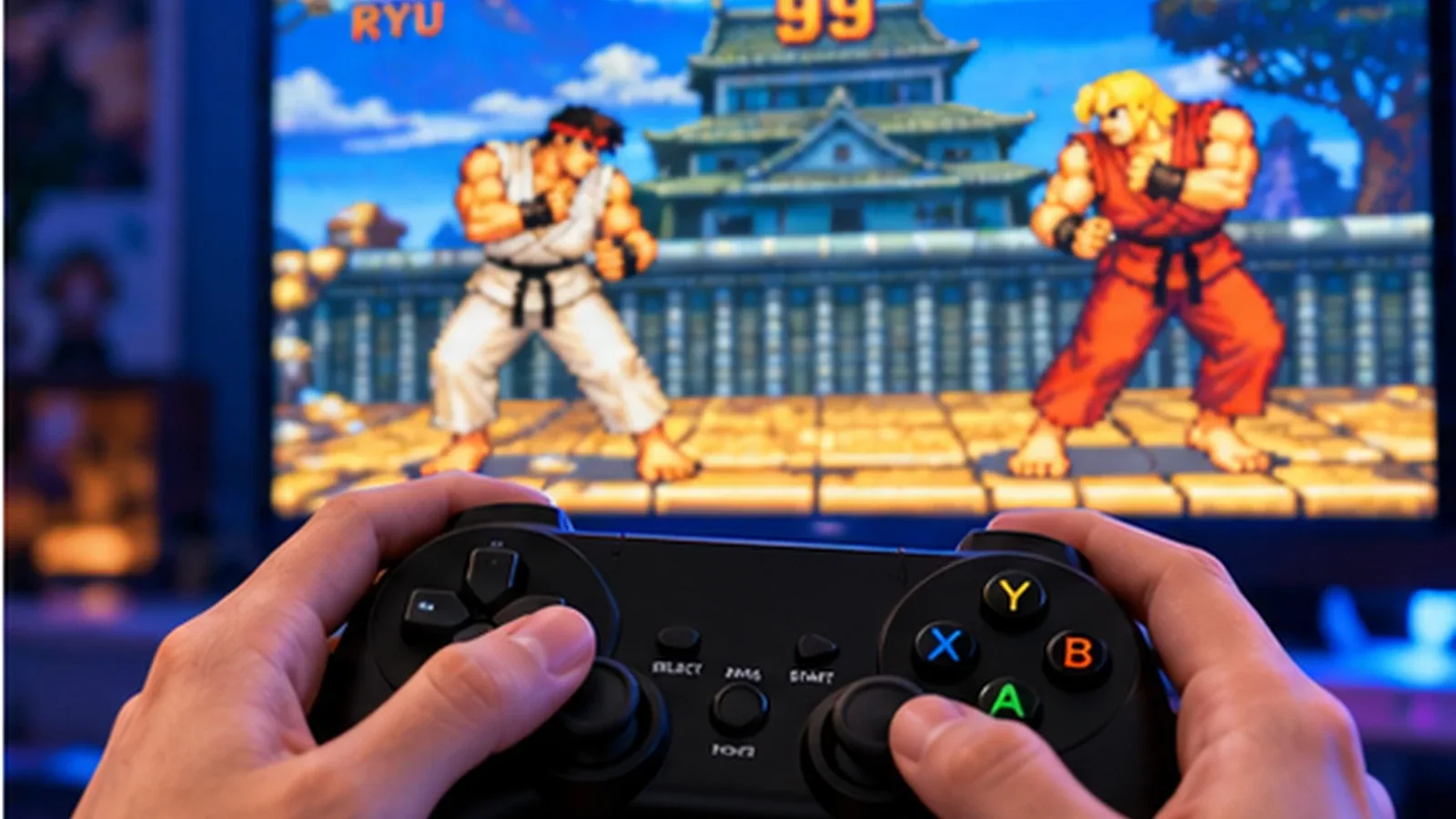
If you're new to retro gaming, begin with games that are relatively easy to understand.
| Player Preference | Recommended Game |
|---|---|
| Fast action | Sonic the Hedgehog 2 |
| Local multiplayer | Streets of Rage 2 |
| Fighting games | Tekken 3 |
| Arcade challenge | Metal Slug 3 |
| Exploration | Super Metroid |
| 3D platforming | Super Mario 64 |
| Adventure | Ocarina of Time |
| Story-driven RPG | Chrono Trigger |
| Challenging action | Castlevania: Symphony of the Night |
For the smoothest introduction, start with 16-bit games before moving to more demanding 3D systems.
How to Fix Common Super Console X Pro Problems
Black Screen on Startup
If the console powers on but your television displays no picture:
- Check the HDMI connection.
- Select the correct television input.
- Confirm that the power adapter is compatible.
- Restart the device.
- Check whether the microSD card is correctly seated.
If the problem continues, consult the documentation for your exact hardware revision.
Avoid flashing firmware intended for another model.
Controller Not Working
First, confirm whether the controller is detected by the operating system.
If it is detected but buttons behave incorrectly, revisit the controller mapping menu.
For wireless controllers, check the batteries and receiver connection.
Some controllers require specific pairing procedures.
Games Running Slowly
Try the following:
- Disable demanding shaders.
- Return video settings to their defaults.
- Test another compatible emulator core.
- Close unnecessary background features.
- Check whether the issue occurs across multiple games.
If only Nintendo 64 or other demanding games run slowly, the limitation may be hardware-related rather than a configuration problem.
Audio Crackling or Stuttering
Audio issues may indicate that emulation is not running at full speed.
Try reducing demanding video settings and restoring the emulator's default audio configuration.
Changing audio latency settings can sometimes help, but extreme adjustments may create additional problems.
Save States Not Working
Save-state compatibility can depend on the emulator core and version.
A save state created with one core may not work correctly after switching to another.
Use in-game saves where supported and back up important save files.
MicroSD Card Errors
Low-quality or aging microSD cards can cause boot failures, corrupted files, and missing game entries.
Create backups before making changes.
If a card is failing, replace it with a reliable compatible card and restore your authorized software and files.
Is the Super Console X Pro Legal?
Emulation software and copyrighted game files are separate legal issues.
An emulator is not automatically illegal simply because it reproduces the behavior of an older gaming system.
However, distributing or downloading copyrighted game files without authorization may infringe intellectual property rights.
Owning an original cartridge or disc does not automatically give you unrestricted permission to download a copy from an unrelated website.
Rules concerning personal backups, technological protection measures, and copyright exceptions vary by jurisdiction.
For the safest approach, use games and firmware that you are legally authorized to possess and run.
Be cautious of sellers advertising enormous collections of commercial games without explaining their licensing arrangements.
Super Console X Pro vs Original Retro Consoles
The Super Console X Pro offers convenience, but it does not reproduce every aspect of original hardware.
| Feature | Super Console X Pro | Original Hardware |
|---|---|---|
| Number of systems | Potentially multiple | Usually one platform |
| HDMI connectivity | Commonly available | Often requires adapters or modifications |
| Game compatibility | Emulator-dependent | Native for supported original games |
| Input latency | Depends on configuration | Depends on original hardware and display |
| Save states | Often supported | Usually not built in |
| Setup complexity | Software configuration may be needed | Generally straightforward |
| Authenticity | Emulated experience | Original hardware experience |
For casual players, the convenience of a compact emulation device may be appealing.
Collectors and enthusiasts who prioritize hardware accuracy may prefer original consoles or other specialized solutions.
Is the Super Console X Pro Worth Buying in 2026?
The Super Console X Pro may still appeal to beginners who want an inexpensive introduction to retro gaming.
However, the retro emulation market includes many alternatives, such as handheld gaming devices, mini PCs, and other dedicated emulation systems.
Before buying, compare:
- Actual processor and memory specifications
- Emulator compatibility
- Firmware support
- Storage quality
- Controller quality
- Seller reputation
- Return policy
- Legitimacy of included software and games
A device advertised with a huge game library is not necessarily a better purchase than one with fewer games and more reliable hardware.
Our recommendation is to prioritize verified specifications, stable performance, and software support over inflated game-count claims.
Frequently Asked Questions
What games can the Super Console X Pro play?
Depending on the model and software configuration, it may support games associated with systems such as NES, SNES, Sega Genesis, PlayStation 1, Nintendo 64, and various arcade platforms. Compatibility varies by title.
Does the Super Console X Pro come with games?
Some sellers bundle microSD cards containing game libraries. The exact contents vary, and buyers should verify whether the included files are legally distributed.
Can the Super Console X Pro play PlayStation 2 games?
Do not assume PlayStation 2 support. The commonly advertised S905X-family configurations are generally not suitable for reliable PlayStation 2 emulation.
Can it run Nintendo 64 games smoothly?
Some Nintendo 64 games may run acceptably, while others experience graphical glitches, audio problems, or poor performance. Results depend on the emulator and hardware revision.
Does the Super Console X Pro support save states?
Many RetroArch-based configurations support save states, but availability and compatibility depend on the emulator core.
Can I add my own games?
Many configurations allow users to add compatible game files. Only use content you are legally authorized to possess and run, and back up the original storage before making changes.
Why is my Super Console X Pro so slow?
Possible causes include demanding emulator cores, unsupported games, heavy shaders, configuration issues, or hardware limitations.
Is the Super Console X Pro better than a Raspberry Pi?
Neither is universally better. A Raspberry Pi-based setup may offer greater customization, while a preconfigured retro console may be more convenient. The comparison depends on the exact hardware and software.
Does the Super Console X Pro need internet?
Many local emulation functions can operate offline. However, specific updates, network features, and configurations may require an internet connection.
In short
The Super Console X Pro can be a convenient way to explore classic video games, particularly if you enjoy 8-bit, 16-bit, and PlayStation-era experiences.
Its biggest strengths are compact hardware, support for multiple emulator systems, and the possibility of a straightforward living-room setup.
Its weaknesses include inconsistent hardware listings, variable emulator performance, uncertain quality of bundled storage, and potential licensing concerns surrounding preloaded game libraries.
If you already own one, start by backing up the microSD card, configuring your controllers, and testing a few less demanding games.
Then explore classics such as Castlevania: Symphony of the Night, Super Mario 64, Metal Slug 3, Streets of Rage 2, Super Metroid, and Chrono Trigger.
The best retro gaming experience is not about having 100,000 games installed. It's about enjoying a carefully chosen collection that runs reliably.
TnT_Jimmy
VerifiedEsports Editorial Contributor
Verified strategy contributor at HEET.GG analyzing tier-1 pro esports tournament metas, player mechanics, and tactical execution for GENERAL.
Every tactical guide and breakdown undergoes rigorous peer review against live game engine patches before publication.
Related Playbooks & Strategy Guides
Tactical deep-dives for GENERAL


