Chunkbase Minecraft Seed Map Guide: How to Find Structures, Slime Chunks & Biomes
Tired of wandering thousands of blocks searching for Trial Chambers, Nether Fortresses, or Slime Chunks? Here is how to use Chunkbase Seed Map with your world seed, calculate coordinates accurately, and filter structures across Java and Bedrock.
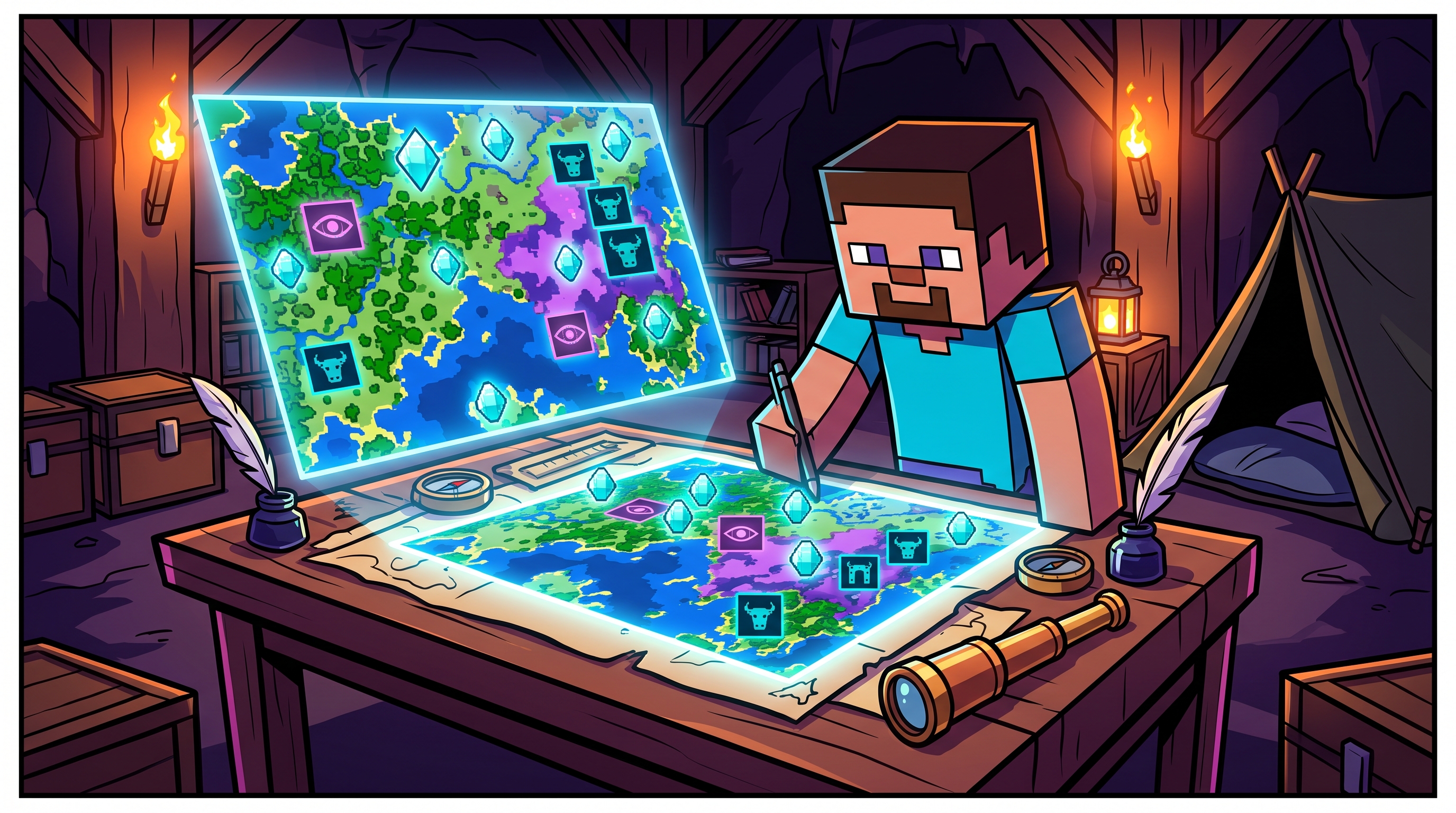
Blueprinting Survival: The Master Guide to Chunkbase Seed Map
Exploring randomly generated worlds is the foundation of Minecraft, but spending hours traveling through endless oceans just to locate a single Nether Fortress or Ancient City can stall any survival progression. While in-game exploration has its charm, technical builders and redstone engineers rely on mapping algorithms to scout terrain before investing dozens of hours into megabases.
The primary web tool for this is Chunkbase, an interactive browser application that reconstructs world seeds into searchable top-down maps.
However, entering the wrong game edition or failing to calibrate coordinate axes results in traveling thousands of blocks to empty oceans. Below is the complete operational guide to using Chunkbase Seed Map, extracting seeds across Java and Bedrock, and locating essential technical structures like Slime Chunks and End Cities.
How to Extract Your World Seed (Java vs. Bedrock)
Before loading Chunkbase, you must extract the exact numerical seed string generated when your world was created.
In Minecraft Java Edition
- Open your survival world.
- Press
Tto open the chat console and type/seed. - Click on the green numerical string that appears in chat; this automatically copies the seed to your operating system clipboard.
- Multiplayer Servers: If you do not have operator permissions on a private server, you cannot use the
/seedcommand directly unless the server administrator shares theserver.propertiesseed data.
In Minecraft Bedrock Edition (Consoles, Mobile, Windows)
- Pause your active game session and navigate to Settings.
- Select Game from the left navigation panel.
- Scroll down the world settings menu to the Seed field.
- Manually note the positive or negative number string.
Navigating the Chunkbase Seed Map Interface
Once you have your seed string, navigate to the official Chunkbase Seed Map App:
Chunkbase Operational Workflow:
[1. Input Numerical Seed] -> [2. Match Exact Version & Edition] -> [3. Filter Key Structures] -> [4. Read In-Game X/Z Coordinates]
1. Version Selection is Non-Negotiable
The single biggest mistake users make is leaving the version dropdown set to the wrong Minecraft build. While modern world generation shares general biome parity between Java and Bedrock, structure placement (such as Villages, Nether Fortresses, and Strongholds) uses different generation seeds between engines. Always select your exact version (e.g., Java 1.21+ or Bedrock 1.21+).
2. Dimension Switching
In the upper-right corner of the map canvas, switch between the Overworld, Nether, and The End:
- The Nether Map: Crucial for locating Bastion Remnants and Nether Fortresses required for Blaze Rods.
- The End Map: Pinpoints End Cities containing Elytra wings without requiring blind bridging across the void.
3 Technical Features Most Players Overlook
1. Slime Chunk Isolation
Slimes only spawn underground below level Y=40 within specific 16x16 chunk boundaries.
- In Java Edition, slime chunks are determined pseudorandomly by combining the world seed with chunk coordinates.
- In Bedrock Edition, slime chunks are universally identical across all seeds due to an engine hardcode.
- Toggling the Slime Chunks layer on Chunkbase highlights green 16x16 boxes, allowing you to dig high-yield automated slime farms without trial-and-error room clearing.
2. Highlighting Trial Chambers & Ancient Cities
Endgame survival demands heavy combat gear. Filtering for Ancient Cities reveals deep dark structures housing Swift Sneak enchantment books. Filtering for Trial Chambers reveals copper vaults containing Heavy Cores required to forge the devastating Mace weapon (check our best weapon enchantments tier list to enchant it properly).
3. Biome Proximity Planning
Building large ice-boat nether highways or automated crop farms requires specific biomes (such as Warm Oceans for sea pickles or Ice Spikes for packed ice). The filter search bar allows you to type any biome name to instantly generate glowing perimeter rings around the nearest spawn clusters.
Coordinates Calculation: The Nether-to-Overworld 8:1 Ratio
When planning portal transport networks using Chunkbase coordinates, apply the spatial conversion equation:
$$\text{Nether Coordinate} = \frac{\text{Overworld Coordinate}}{8}$$
If Chunkbase displays a Stronghold at Overworld coordinates X: 1600, Z: -2400, building a Nether Portal at Nether coordinates X: 200, Z: -300 links directly to the destination portal, slashing travel time by 87.5%.