Does GTA 6 Require a PS5 Update? Launch Checklist
GTA 6 requires current PS5 system software and 212GB of free space. Check the update, download, preload and PS5 launch troubleshooting steps.
Does GTA 6 Require a PS5 Update? What to Install Before Launch
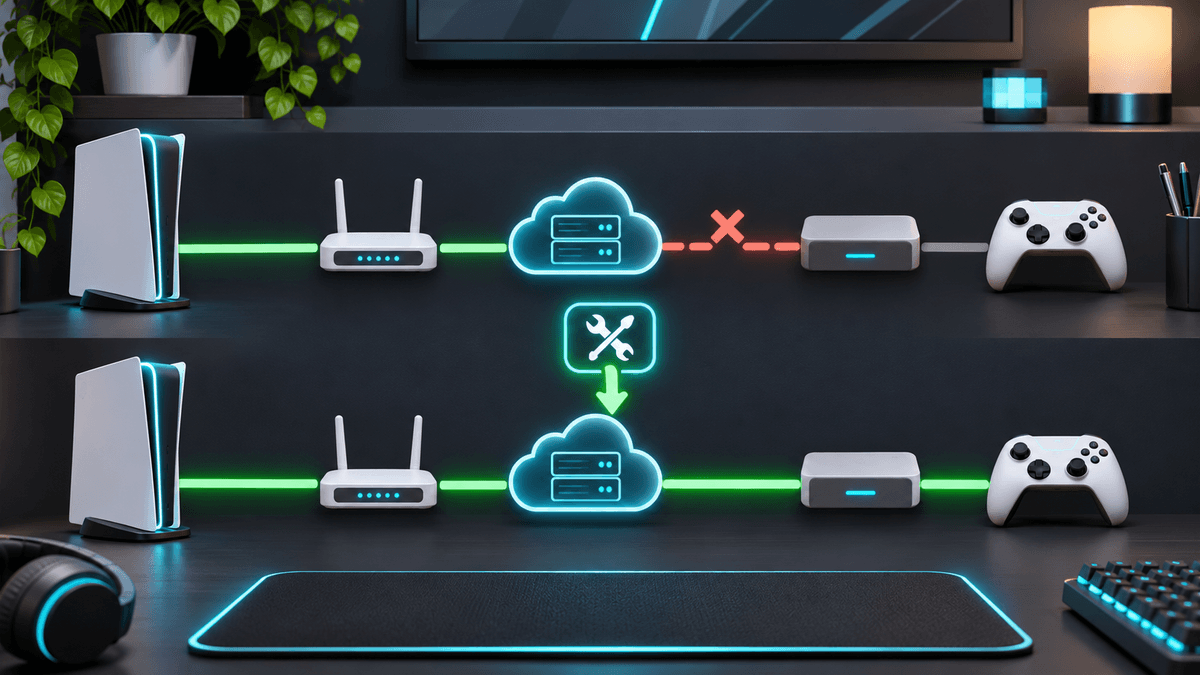
Yes, you should update your PS5 to the latest normal system software before downloading or launching GTA 6. However, Rockstar and PlayStation have not announced a separate GTA 6-only PS5 firmware package. The official instructions tell players to keep the standard PS5 system software and game download current and reserve at least 212GB of free storage.
If your console already shows Up to date under System Software, you do not need to find a special GTA 6 firmware file. Preload the game, leave automatic game updates enabled and use Check for Update on the GTA 6 tile before playing.
At the time of verification on November 18, 2026, GTA 6 is scheduled to unlock at midnight local time on November 19 for PS5 and Xbox Series X|S. PS5 preload began at midnight local time on November 10.
GTA 6 PS5 requirements at a glance
| Question | Confirmed answer |
|---|---|
| Does GTA 6 require updated PS5 system software? | Yes. PlayStation's GTA 6 support instructs players to use the latest PS5 system software. |
| Is there a special GTA 6 PS5 firmware update? | No dedicated GTA 6-only firmware package is identified on the official support pages. This is an inference from the currently published instructions. |
| How much free space is required? | A minimum of 212GB on PS5. |
| When did PS5 preload begin? | November 10, 2026 at midnight local time. |
| When does GTA 6 unlock? | November 19, 2026 at midnight local time. |
| Does the physical version include a disc? | No. The physical Standard Edition is code-in-box and requires the full digital download. |
| Is GTA 6 available on PS4? | No. The PlayStation release is for PS5 and PS5 Pro. |
| Is a specific day-one patch size confirmed? | No official patch size was published in the sources checked on November 18. |
The important distinction is between three different downloads:
- PS5 system software: Sony's operating-system update for the console.
- The GTA 6 game download: the main installation, requiring at least 212GB of free space.
- GTA 6 game updates: patches delivered through the game tile when Rockstar publishes them.
A message asking you to update the PS5 does not necessarily mean Rockstar released a unique GTA 6 firmware build. It normally means the console's regular system software is behind.

How to check the required PS5 system update
Use the normal PlayStation system-software menu:
- Open Settings from the PS5 home screen.
- Select System.
- Open System Software.
- Choose System Software Update and Settings.
- Select Update System Software if an update is available.
To confirm the installed version, go to:
Settings > System > System Software > Console Information
The console is current when Up to date appears beneath the system software version.
Sony recommends enabling both automatic options:
- Download Update Files Automatically
- Install Update Files Automatically
These settings reduce the chance that an old firmware version blocks a large download or delays the first launch.
Do not download PS5 firmware from an unofficial website
Use the console's built-in updater or the official PlayStation support download. Fake GTA 6 update files can contain malware, steal account credentials or provide an outdated PS5 system image.
The official USB recovery method is only necessary when the normal update repeatedly fails. A full system-software reinstallation can erase console data, so it should not be the first response to an ordinary game-download problem.
Is there a special GTA 6 system update for PS5?
No separate GTA 6-only PS5 firmware is listed in Rockstar's or PlayStation's current launch instructions.
The official GTA 6 troubleshooting page says to check that the console has the latest system software installed. PlayStation's launch checklist points to the same standard menu used for every PS5 firmware update.
Therefore, the most accurate answer is:
- Confirmed: current PS5 system software is part of the official preparation and troubleshooting checklist.
- Not announced: a uniquely named or separately downloadable GTA 6 firmware package.
- Still possible: Sony can release ordinary PS5 system updates around launch, and Rockstar can publish game patches independently.
Do not confuse a new game version with PS5 firmware. A GTA 6 update appears under the game tile, while a console update appears under Settings > System > System Software.
How much PS5 storage does GTA 6 require?
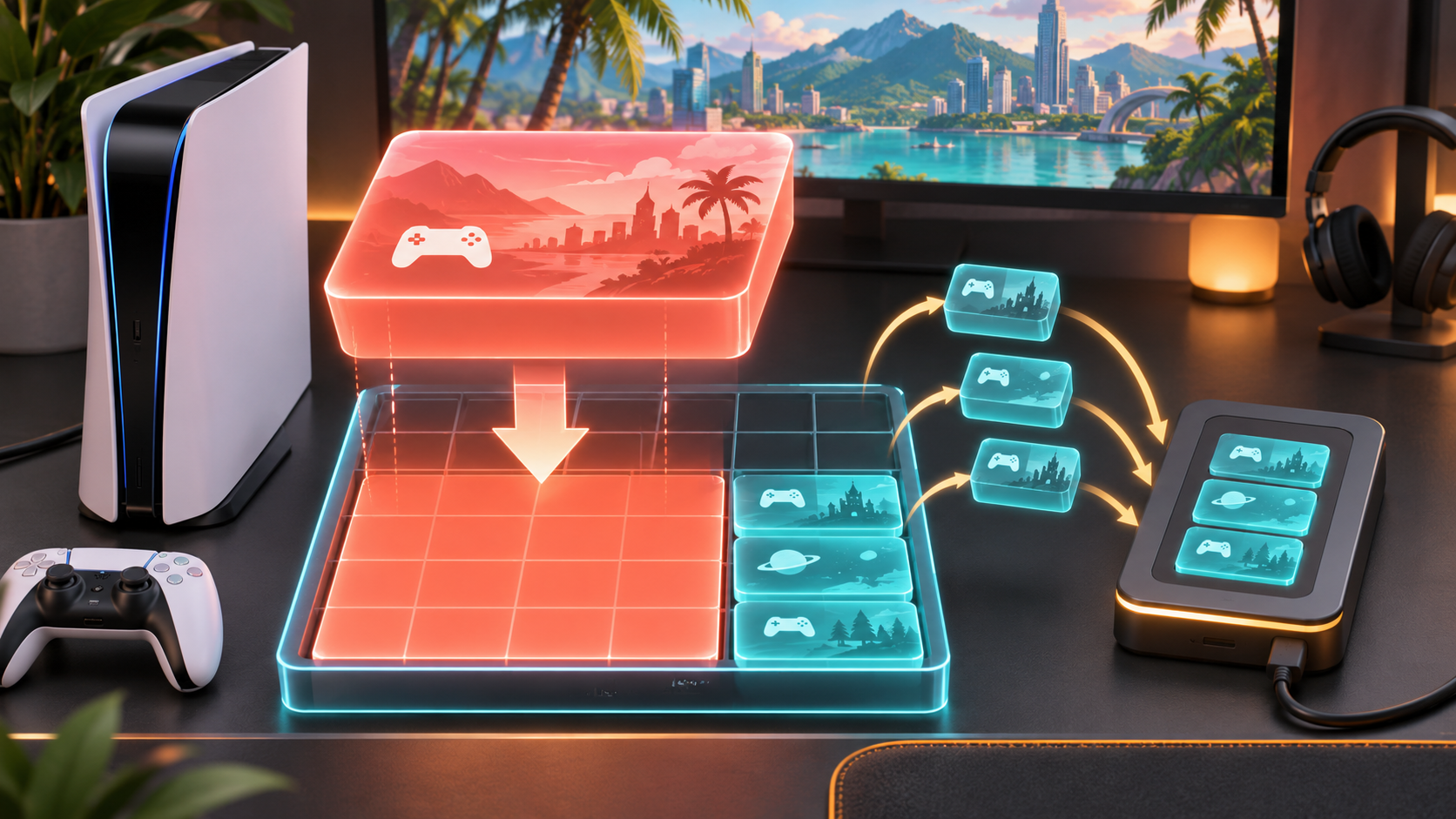
PlayStation tells users to clear a minimum of 212GB of storage space before downloading GTA 6.
That wording matters. It is an official free-space requirement, but it does not necessarily mean the final installed game will always occupy exactly 212GB. Installation processes can need temporary working space, and later updates can change the installed size.
Check available space here:
Settings > Storage > Console Storage
If less than 212GB is free, you can:
- delete games you can download again later;
- move compatible games to supported M.2 SSD storage;
- move PS4 games to compatible external USB storage;
- remove old captures from Media Gallery;
- delete unused add-ons or duplicate versions.
Leave extra headroom when possible. Filling the drive to exactly the published minimum gives future updates and temporary installation files little room to work.
Can GTA 6 run from an external USB drive?
The official launch pages tell players to ensure sufficient PS5 storage but do not present an external USB drive as a GTA 6 play location. PS5 games normally need compatible internal console storage or an installed M.2 SSD to run.
An external drive can still help by holding PS4 games, freeing the faster storage GTA 6 needs.
How to check the GTA 6 game update on PS5
PS5 normally checks for the newest game version when you start an application. To check manually:
- Highlight GTA 6 on the home screen or in Game Library.
- Press the controller's Options button.
- Select Check for Update.
- Follow the on-screen instructions if a newer version is available.
As of November 18, the official pages checked for this guide do not specify a mandatory day-one patch size. Do not treat viral 15GB, 25GB or larger patch claims as confirmed unless Rockstar or PlayStation publishes the number.
If an update appears on your console, the size shown in Downloads/Uploads is more reliable than a social-media screenshot from another region or edition.

GTA 6 preload settings for PS5
GTA 6 preload opened on November 10 at midnight local time for eligible PS5 preorders. If the download has not started, check the following settings.
Enable automatic game downloads
Go to:
Settings > Saved Data and Game/App Settings > Automatic Updates
Turn on:
- Auto-Download
- Auto-Install in Rest Mode
Keep the PS5 online in Rest Mode
Go to:
Settings > System > Power Saving > Features Available in Rest Mode
Enable Stay Connected to the Internet.
Then enter Rest Mode from the control center. Do not cut power to the console while the download or an update is being installed.
Confirm the preload manually
- Open Game Library.
- Select GTA 6.
- Open the release timer or download option.
- Confirm that GTA 6 is selected for automatic download.
- Check Downloads/Uploads in the control center.
If the game is already fully preloaded, a countdown can remain visible until the release time. That does not mean the download failed.
Does the physical GTA 6 version need an update and download?
Yes. Rockstar and PlayStation describe the physical Standard Edition as code-in-box. The package contains a digital download code rather than a game disc.
After redeeming the code, the PS5 downloads the same large game installation. You therefore need:
- a compatible PS5 or PS5 Pro;
- an internet connection for redemption and download;
- a PlayStation account in a region compatible with the code;
- at least 212GB of free storage;
- current PS5 system software.
Buying the boxed version does not avoid the download. Rockstar released it early enough for buyers to redeem the code and preload before launch.
Do Standard and Ultimate Edition need different PS5 updates?
No different PS5 firmware requirement is listed for Standard and Ultimate Edition. Both editions use the same underlying game and current PS5 system software.
Ultimate Edition adds bonus content across the story. It does not have a separately announced console operating-system update. An Ultimate Edition owner may receive additional entitlement or content downloads, but that is not the same as PS5 firmware.
Rockstar says Standard Edition owners can purchase the Ultimate Edition Upgrade separately after redeeming the base game.
GTA 6 not downloading on PS5: fixes in order
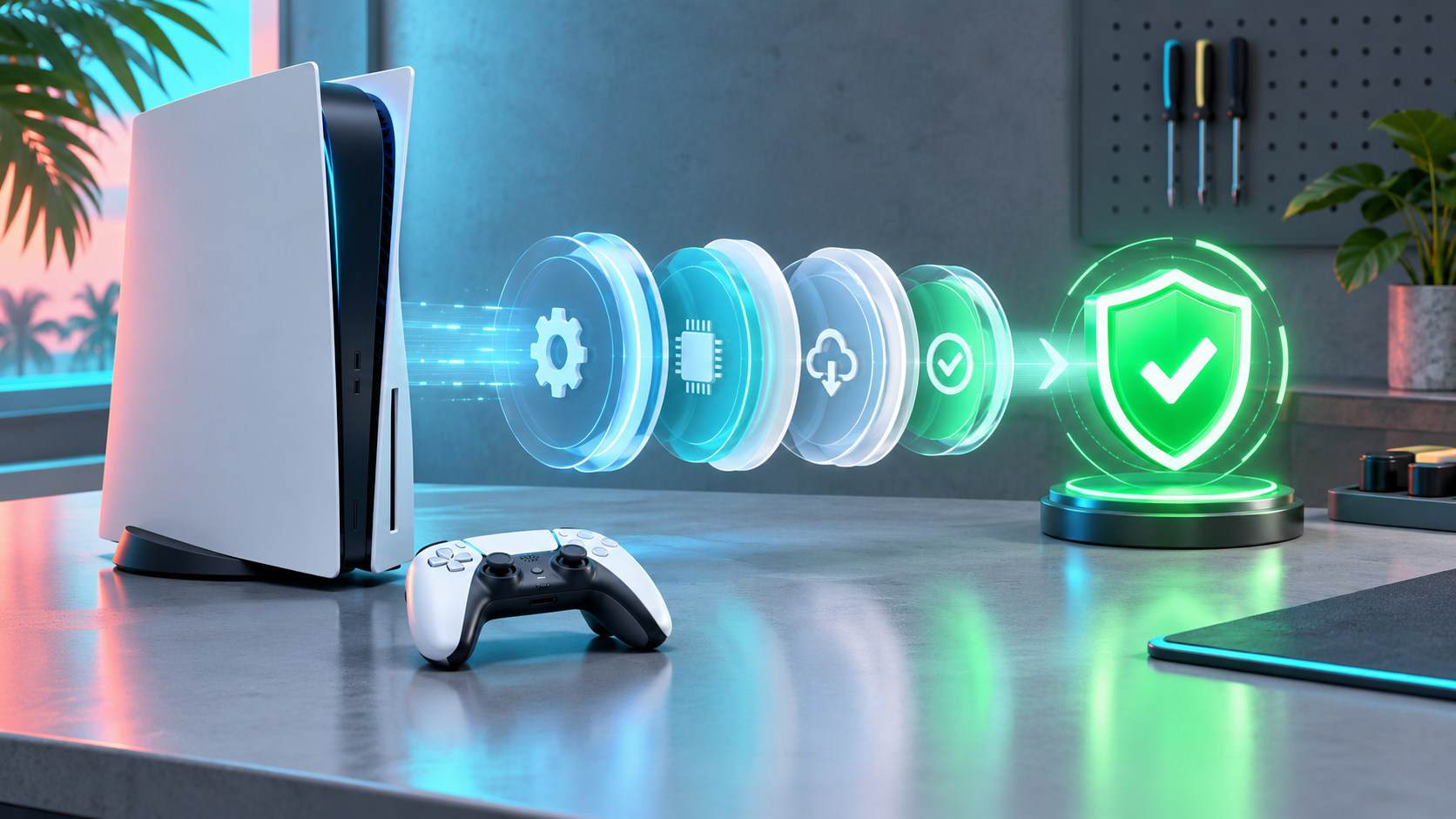
Use these steps from least disruptive to most disruptive.
1. Pause and resume the download
Open Downloads/Uploads, select GTA 6, choose Pause, then choose Resume. This can restart a stalled connection without deleting completed data.
2. Test the internet connection
Go to:
Settings > Network > Connection Status > Test Internet Connection
If PlayStation Network reports an outage, wait before repeatedly deleting the download.
3. Confirm the account and license
Make sure you are signed in with the account that purchased GTA 6 or redeemed the code.
To restore the license:
Settings > Users and Accounts > Other > Restore Licenses
If another account owns the game, enable:
Settings > Users and Accounts > Other > Console Sharing and Offline Play
4. Check system software and free space
Confirm the PS5 is up to date and has at least 212GB available. A download can fail even when there appears to be enough room if another update or capture is also using storage.
5. Cancel and restart the game download
If pause and resume do not work:
- Open Downloads/Uploads.
- Select GTA 6.
- Choose Cancel and Delete.
- Return to Game Library.
- Select GTA 6 and begin the download again.
This discards the current partial download, so use it after the simpler checks.
6. Clear cache and rebuild the database
PlayStation lists Clear Cache and Rebuild Database as a troubleshooting step for persistent GTA 6 download issues.
- Turn the PS5 off completely.
- Hold the power button until the second beep to enter Safe Mode.
- Connect the controller with a USB cable.
- Choose Clear Cache and Rebuild Database.
Do not select Reset PS5 or reinstall the entire system software unless official support directs you to do so. Those options are much more destructive.
GTA 6 downloaded but will not launch
Check these causes before reinstalling the game:
The local release time has not arrived
GTA 6 unlocks at midnight local time on November 19. A completed preload remains locked until the account's regional release time.
The purchasing account is not active
Sign in with the account that owns the game or enable Console Sharing and Offline Play on the owning account.
The license needs refreshing
Use Restore Licenses from the Users and Accounts menu or from the game's Options menu.
A game update is waiting
Highlight GTA 6, press Options and select Check for Update.
The installation is incomplete
A “ready to play” state does not always mean every game component is installed. Open Downloads/Uploads and let all GTA 6 items finish.
Is GTA 6 out now?
At the time this guide was verified on November 18, 2026, GTA 6 was not yet unlocked. Rockstar's confirmed release is November 19, 2026 at midnight local time on PS5 and Xbox Series X|S.
This answer becomes time-sensitive as each region crosses midnight. After release, the section should be updated to say the game is available and retain the regional troubleshooting information.
For broader GTA coverage, use HEET's Grand Theft Auto news and guides hub. Older launch articles should be checked against Rockstar's current support pages before relying on their preload or storage figures.
Frequently asked questions
Does GTA 6 require a PS5 system update?
GTA 6 requires the PS5 to be running current system software. The official support instructions do not identify a separate GTA 6-only firmware package; update through the normal PS5 System Software menu.
What PS5 version do I need for GTA 6?
Use the latest PS5 system software available to your console. Check it under Settings > System > System Software > Console Information. “Up to date” means no newer standard firmware is waiting.
How much space does GTA 6 need on PS5?
PlayStation says to clear a minimum of 212GB. This is the official free-space requirement, which may include installation headroom and can change with future game updates.
When can I preload GTA 6 on PS5?
PS5 preload began at midnight local time on November 10, 2026 for eligible preorders. Check Game Library and Downloads/Uploads if it has not started.
When does GTA 6 release on PS5?
GTA 6 releases at midnight local time on November 19, 2026. A completed preload remains locked until that local release time.
Is there a confirmed GTA 6 day-one patch?
The official sources checked on November 18 do not publish a specific mandatory day-one patch size. Use Check for Update on the PS5 game tile and treat unsourced patch-size claims as unconfirmed.
Does the boxed GTA 6 version contain a disc?
No. Rockstar describes the physical Standard Edition as code-in-box. Redeem the code and download the game digitally; at least 212GB of free storage is still required.
Can GTA 6 run on PS4?
No. The announced PlayStation versions are for PS5 and PS5 Pro. Rockstar has not announced a PS4 version.
Why is my GTA 6 preload still locked?
A preload is intentionally locked until release. If the local release time has passed, check the owning account, restore licenses, confirm the full download is complete and use Check for Update.
T_T_GTAJ
VerifiedEsports Editorial Contributor
Verified strategy contributor at HEET.GG analyzing tier-1 pro esports tournament metas, player mechanics, and tactical execution for GRAND-THEFT-AUTO.
Every tactical guide and breakdown undergoes rigorous peer review against live game engine patches before publication.
Related Coverage & Tactical Intel
Latest updates across GRAND-THEFT-AUTO