How to Verify Game Files on Steam & Fix Download Speeds
Experiencing slow download speeds, corrupted files, or stalled installations on Steam? Here is your complete step-by-step guide to verifying game files and optimizing your bandwidth.
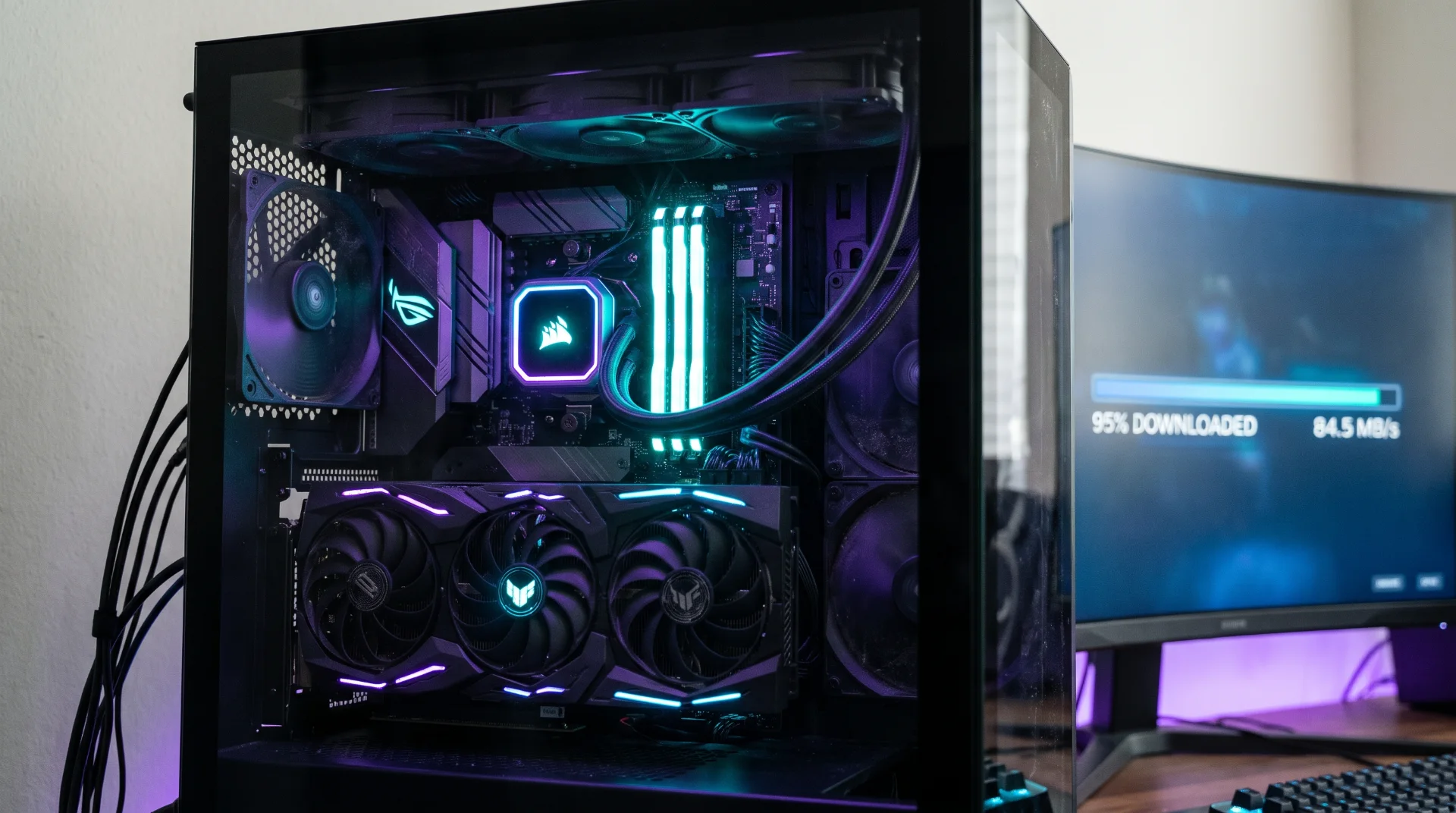
Troubleshooting Slow Steam Downloads and Corrupted Files
Downloading your favorite multiplayer titles or massive day-one updates should be an exciting moment, but nothing kills the gaming mood faster than a sluggish download bar, an unexpected crash during startup, or a mysterious installation stall at 99%. Millions of PC gamers encounter network throttling, overcrowded content servers, or fragmented local storage caches on a regular basis.
Fortunately, resolving these bottlenecks rarely requires advanced technical expertise. By verifying your local file integrity and adjusting a few client configurations, you can restore your game client to peak performance.
Practical Steps to Boost Your Download Speeds and Verify Files
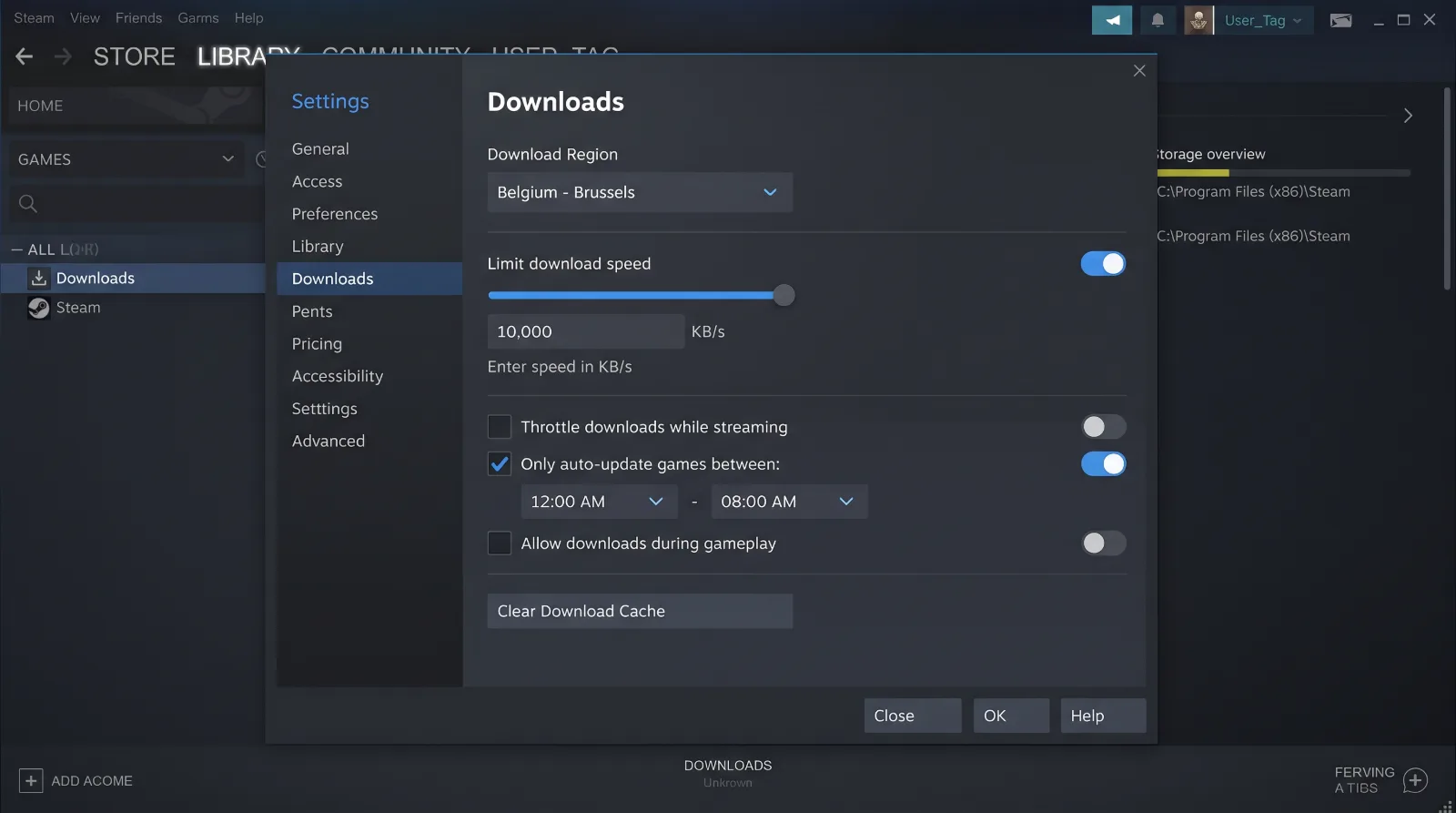
Implementing a few targeted tweaks can immediately eliminate bandwidth caps and get your games running smoothly without stuttering or missing assets:
- Verify Local Game Files: If a game crashes repeatedly or fails to launch, corrupted installation files are often the root cause. Right-click the title in your library, open properties, navigate to installed files, and select the verification tool to automatically replace damaged data.
- Clear Your Local Download Cache: Over time, corrupt temporary files can accumulate within your client storage, forcing the system to struggle with processing incoming chunks. Clearing this cache forces a clean socket handshake.
- Check Server Connectivity and Region Routes: Steam routes traffic through regional content servers. If your local server is experiencing high traffic during a major sale or game launch, switching to a nearby alternative region can instantly bypass throttling.
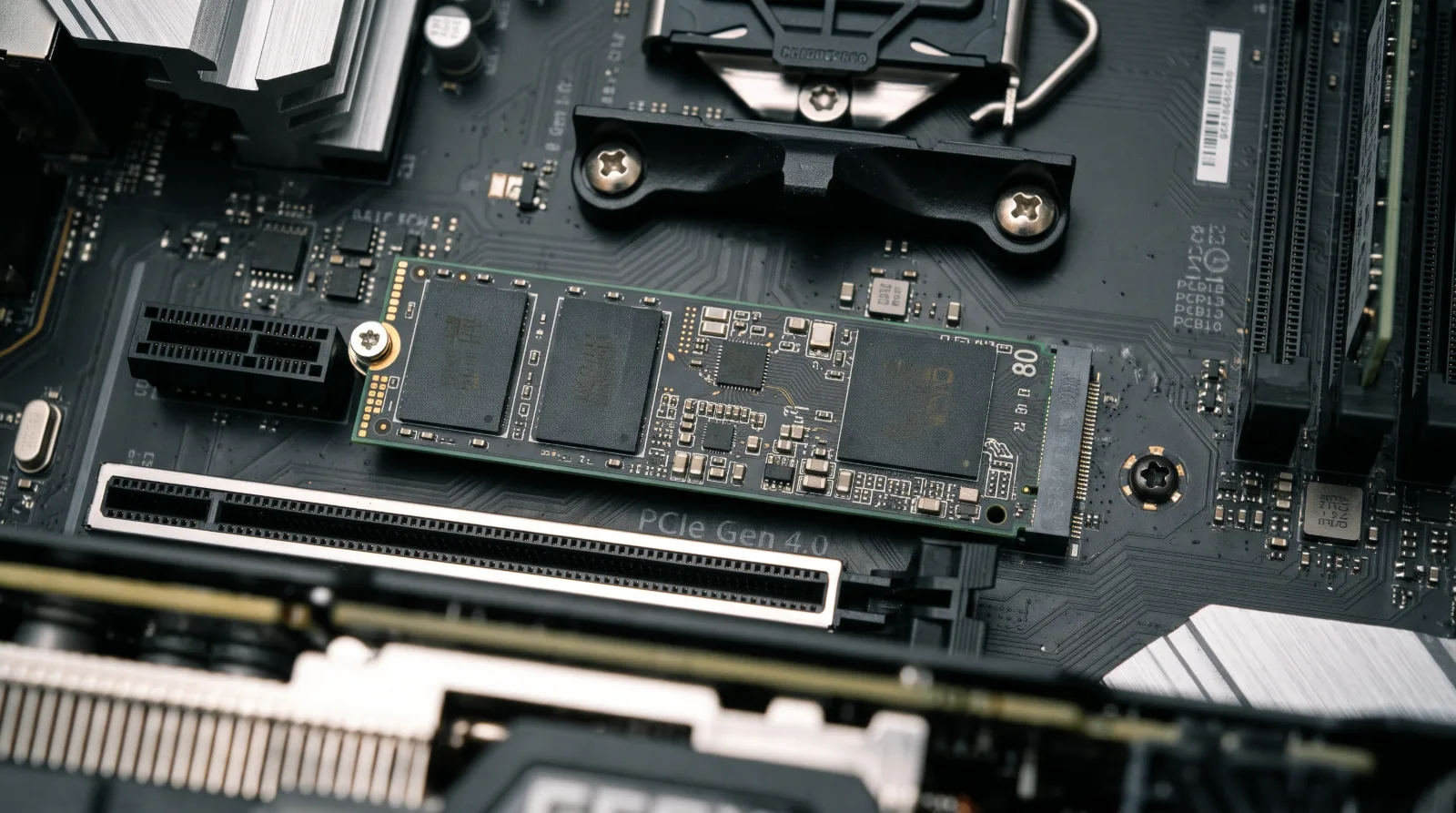
Preventing Future Stalls and Connection Drops
Maintaining a healthy digital library means keeping your client and storage drives organized and error-free. If you frequently run into installation errors or unresponsive server connections, routine maintenance is your best defense. Apply these proven fixes today and get back into your games without unnecessary delays.