Counter-Strike 2 on Steam: Download, Requirements, Skins and Launch Fixes
Counter-Strike 2 is free to download through Steam on supported Windows and Linux PCs. This guide covers the official requirements, installation steps, safe skin trading and the most useful fixes when CS2 refuses to launch or update.
Counter-Strike 2 on Steam: Download, Requirements, Skins and Launch Fixes
Counter-Strike 2 is free to download and play through Steam. Valve’s current store page lists support for Windows and SteamOS/Linux, with 8 GB of RAM and 85 GB of available storage in the official minimum requirements.
That 85 GB figure is the amount of free storage Steam tells players to reserve. It is not a guaranteed download-transfer size: updates, temporary installation files and future game changes can alter how much data Steam actually downloads.
Counter-Strike 2 on Steam at a glance
| Question | Answer |
|---|---|
| Is CS2 free? | Yes, the base game is free to play. |
| Where should you download it? | The official Counter-Strike 2 page on Steam. |
| Supported PC platforms | Windows and SteamOS/Linux. |
| Minimum memory | 8 GB RAM. |
| Required free storage | 85 GB according to the current Steam store page. |
| Does Steam include skins? | CS2 items can appear in your Steam Inventory and may be eligible for trading or the Community Market. |
How to download Counter-Strike 2 on Steam
Only install CS2 through the official Steam client and store page. You do not need a separate launcher, unofficial installer or “performance edition.”
- Download and install Steam from the official Steam website.
- Create a Steam account or sign in to an existing account.
- Search the Steam Store for Counter-Strike 2.
- Open the official page published by Valve.
- Select Play Game and choose a Steam Library folder.
- Confirm that the selected drive has enough free space.
- Let Steam finish downloading and installing the game before launching it.
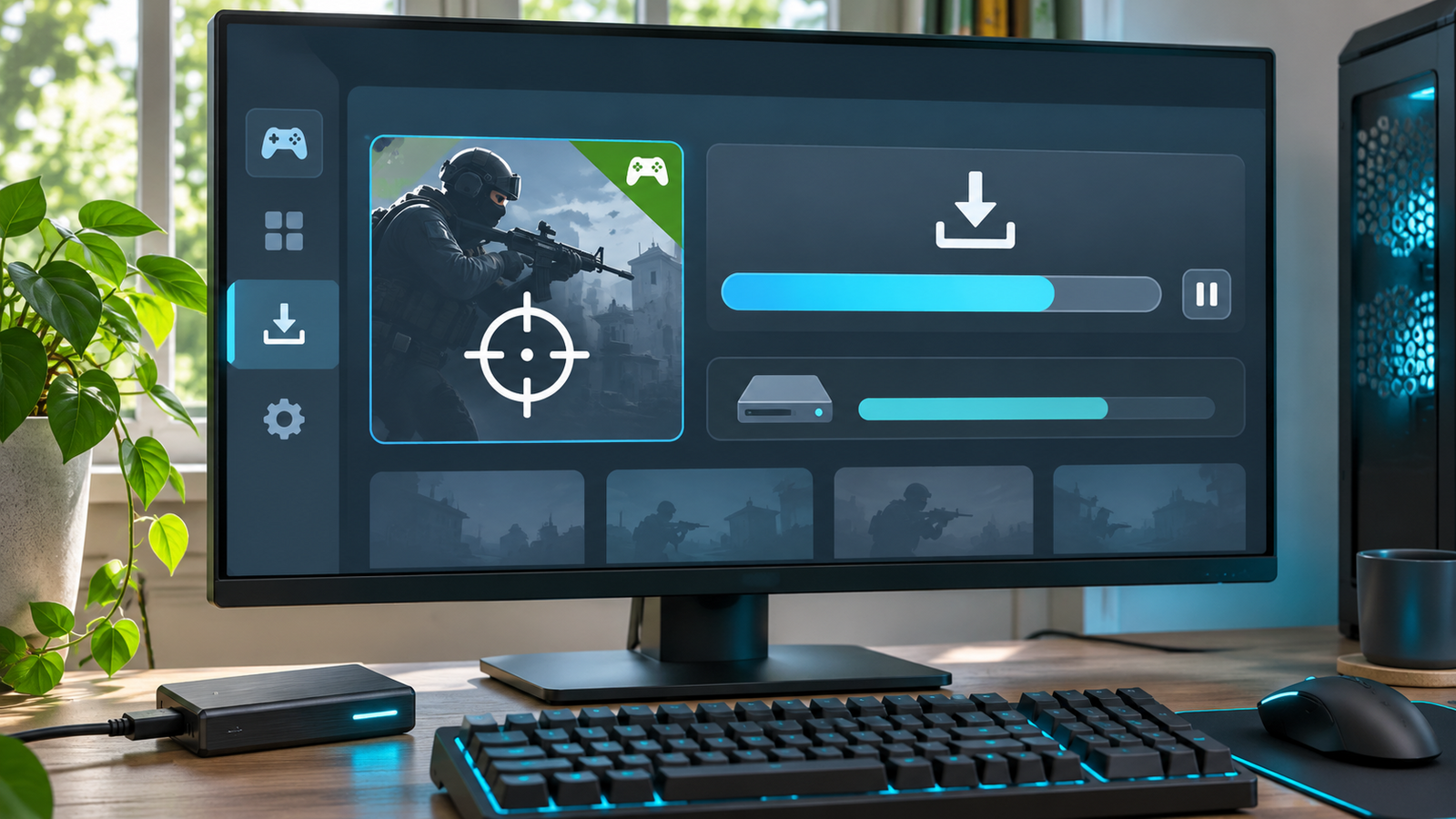
Recommended placement: after the installation steps.
Avoid download pages that promise free skins, special builds, cheats or exclusive launchers. CS2 is already free through Steam, so there is no legitimate reason to enter your Steam credentials into an unrelated installer.
Counter-Strike 2 system requirements
Steam currently publishes minimum requirements rather than a complete recommended-performance target.
Windows minimum requirements
| Component | Official minimum |
|---|---|
| Operating system | Windows 10 |
| Processor | Four hardware CPU threads; Intel Core i5-750 or higher |
| Memory | 8 GB RAM |
| Graphics | 1 GB or more, DirectX 11 compatible with Shader Model 5.0 support |
| DirectX | Version 11 |
| Storage | 85 GB available space |
SteamOS and Linux minimum requirements
| Component | Official minimum |
|---|---|
| Operating system | Ubuntu 20.04 |
| Processor | Four hardware CPU threads; Intel Core i5-750 or higher |
| Memory | 8 GB RAM |
| Graphics | AMD GCN+ or NVIDIA Kepler+ with current Vulkan drivers |
| Storage | 85 GB available space |
| Sound card | Highly recommended |
Valve also says support for VK_EXT_graphics_pipeline_library is highly recommended on Linux. The current store page does not list a macOS version.
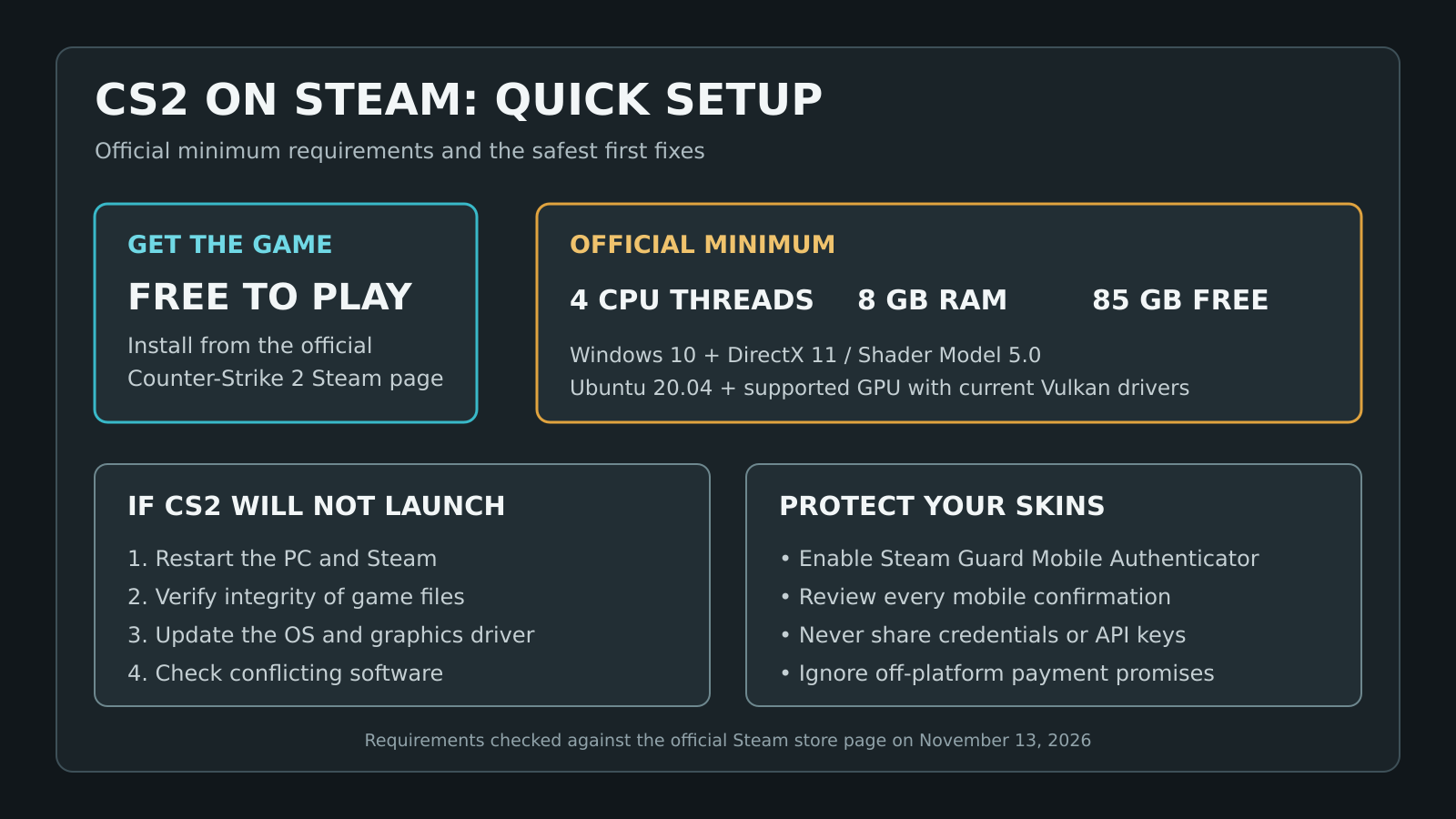
Recommended placement: directly after the system-requirements tables.
Meeting the minimum specification only means the PC meets Valve’s stated entry point. It does not guarantee competitive frame rates, low input latency or perfectly stable frame times. For a practical in-game baseline, use our best CS2 settings for FPS, visibility and low latency after the game launches successfully.
How much space does CS2 really need?
The official requirement is 85 GB of available space, but keeping additional room free is sensible. Steam may need temporary storage while downloading, unpacking or replacing files during an update.
If the main drive is almost full, choose another Steam Library in Steam > Settings > Storage before installing. Steam’s Storage Manager can also move an existing installation to another library without forcing you to start from scratch.
Do not confuse available-space requirements with final installed size. The number shown on disk can change when Valve adds maps, assets or major updates.
How CS2 skins work on Steam
CS2 cosmetic items are connected to your Steam Inventory. Depending on the item and any applicable restrictions, it may be usable in the game, tradable with another account or listable on the Steam Community Market.
The Community Market contains weapon finishes, knives, gloves, stickers, containers and other CS2 items. Prices are set through active listings and can change continuously. A market price is not a promise that an item will retain its value.
Basic skin-safety rules
- Enable the Steam Guard Mobile Authenticator.
- Check the account, items and details in every mobile confirmation.
- Never share your password, Steam Guard code, recovery code or API key.
- Do not sign in through a link sent by a stranger.
- Never send an item to a supposed “verification account.”
- Do not accept promises of PayPal, gift cards or Steam Wallet funds outside the actual trade window.
- Treat pressure and artificial urgency as warning signs.
Steam warns that confirmed trades cannot simply be reversed and that lost items are not restored. Taking an extra minute to inspect the confirmation is more important than completing a trade quickly.
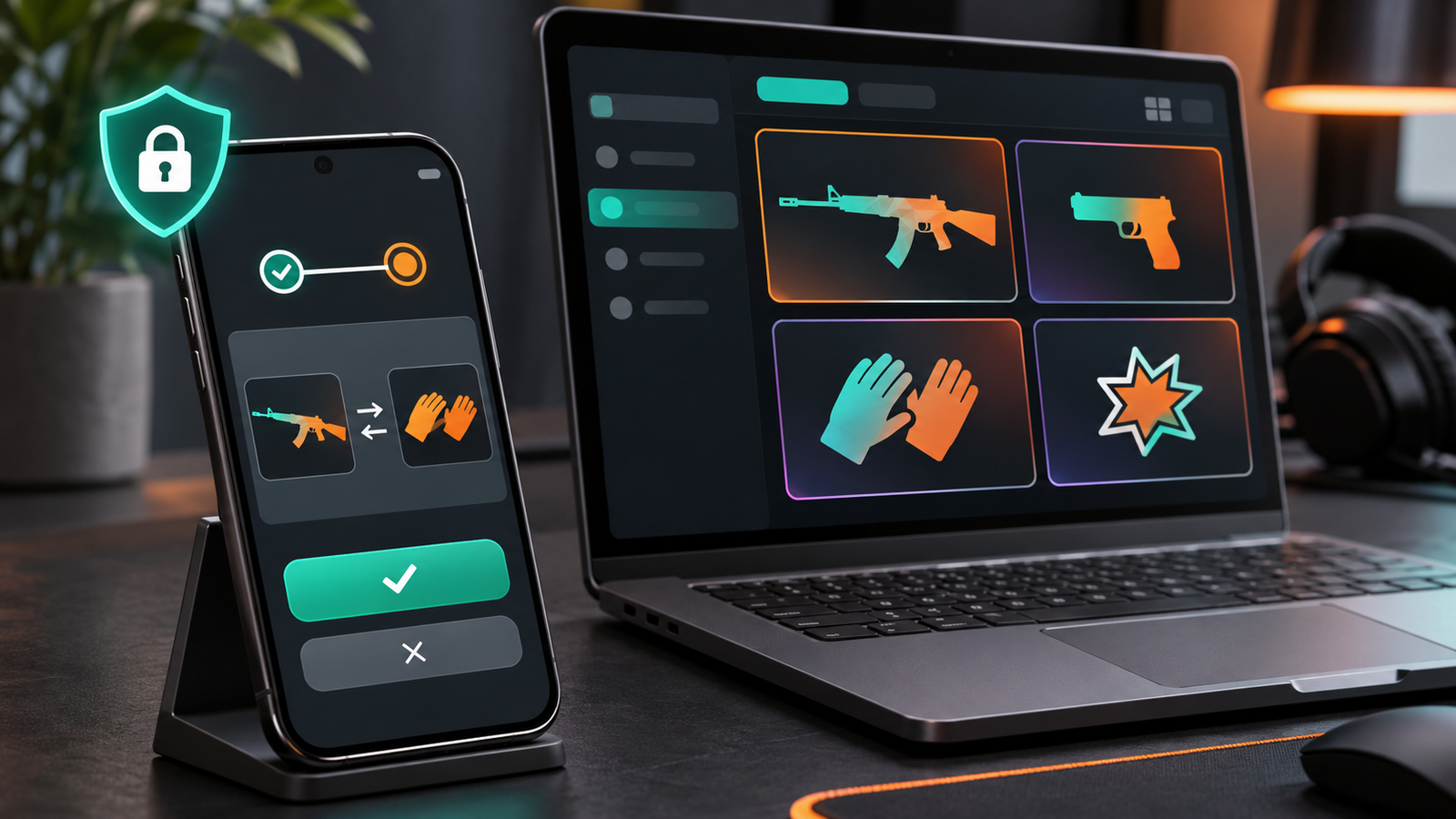
Recommended placement: after the skin-safety checklist.
How to fix CS2 not launching on Steam
Start with the least disruptive checks. Random launch commands, registry cleaners and “FPS packs” can create new problems while hiding the original cause.
1. Restart the PC and Steam
Close Steam completely, restart the computer and try again. This clears stuck client processes and pending system changes.
2. Verify the integrity of the game files
In Steam:
- Open Library.
- Right-click Counter-Strike 2.
- Select Properties.
- Open Installed Files.
- Choose Verify integrity of game files.
Steam checks the local installation and downloads replacements where necessary. Valve notes that one or more local configuration files may fail to verify normally.
3. Update Windows or Linux and the graphics driver
Steam’s launch troubleshooting recommends updating the operating system and device drivers. Use the official update tool from Windows or your Linux distribution and obtain GPU drivers from AMD, Intel, NVIDIA or the distribution’s supported repositories.
4. Disable conflicting background software
Overlays, monitoring tools, security software and applications that inject into a game process can interfere with startup. CS2 uses Trusted Mode by default to block third-party files from interacting with the game.
Close non-essential software for one test. Do not permanently disable security protection without identifying the conflict. If an antivirus product quarantined a legitimate file, review its logs and follow that vendor’s official process before adding an exception.
5. Repair Steam download problems
If CS2 is stuck downloading or updating, Steam Support recommends these options:
- Clear the download cache through Steam > Settings > Downloads.
- Repair the library folder through Steam > Settings > Storage.
- Temporarily test another download region.
- Move the game to another Steam Library or drive.
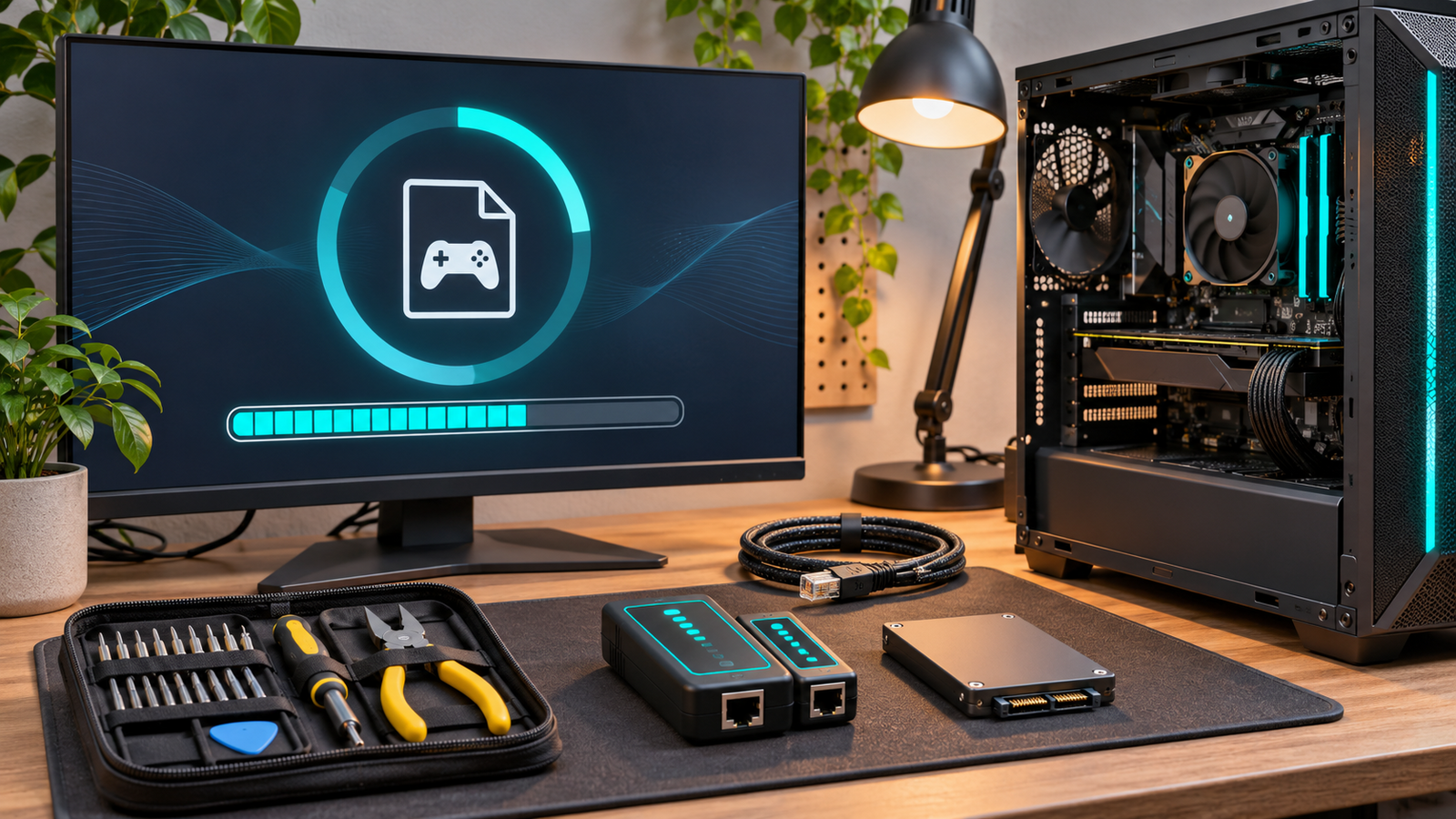
Recommended placement: after the Steam download and launch fixes.
6. Make Steam recognize an existing installation
If CS2 suddenly appears uninstalled, first check whether its original Steam Library is still listed in Storage Manager. Steam Support says beginning the installation process can make the client rediscover existing files when they are still in the correct folder.
Avoid manually deleting the steamapps folder. It contains installed game data and may save you from downloading everything again.
What to do after CS2 launches
Begin with stable defaults before importing a professional player’s entire configuration. Confirm the correct display mode and refresh rate, test mouse input, and create a crosshair that remains visible on bright and dark backgrounds.
You can browse and test codes in the HEET.GG pro crosshair database. Treat pro settings as starting points: differences in resolution, DPI, monitor size and personal control style still matter.
Frequently asked questions
Is Counter-Strike 2 free on Steam?
Yes. The base game is free to download and play through its official Steam store page.
Is CS2 available without Steam?
Valve distributes the official PC version through Steam. Avoid third-party installers claiming to provide separate or modified editions.
How many GB is Counter-Strike 2?
Steam currently requires 85 GB of available storage. That is a free-space requirement, not a fixed promise about download-transfer or final installed size.
Can CS2 run with 8 GB of RAM?
Eight gigabytes is Valve’s official minimum. Actual performance also depends on the processor, graphics hardware, background applications and chosen settings.
Is Counter-Strike 2 available on Mac?
The current Steam page lists Windows and SteamOS/Linux requirements, but no macOS version.
What is the safest place to buy CS2 skins?
The Steam Community Market is integrated with Steam, but users must still secure their accounts and review every listing or confirmation carefully. Third-party platforms introduce additional risks and are outside Steam’s transaction protections.
ng.
TnT_Jmmyl
VerifiedEsports Editorial Contributor
Verified strategy contributor at HEET.GG analyzing tier-1 pro esports tournament metas, player mechanics, and tactical execution for CS2.
Every tactical guide and breakdown undergoes rigorous peer review against live game engine patches before publication.
Related Coverage & Tactical Intel
Latest updates across CS2