Gaming PC Buying Guide 2026: Choose the Right Build
Choose the right gaming PC in 2026. Compare specs, prebuilts and custom builds, avoid compatibility mistakes and match your hardware to 1080p, 1440p or 4K.
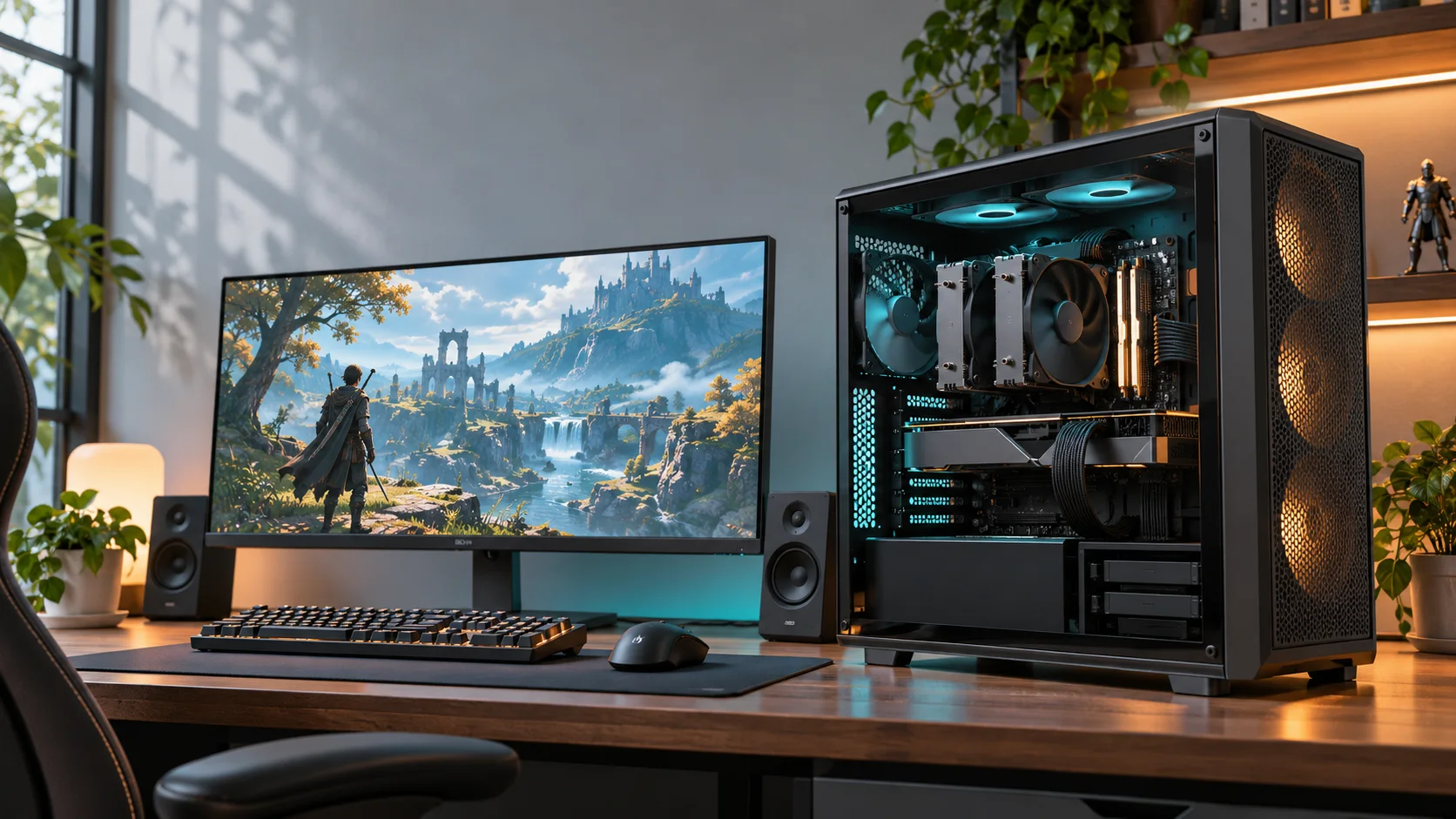
Gaming PC Buying Guide 2026: How to Choose the Right Build
The best gaming PC is not automatically the fastest machine you can afford. It is the system that can run your games at your chosen resolution and frame rate without wasting money on performance, cooling or features you will not use.
That distinction matters in 2026. Current graphics-card families span everything from entry-level 1080p hardware to extremely power-hungry flagship models. Prebuilt manufacturers sell dozens of configurations under similar product names, while custom builders must check sockets, memory, physical clearance, power connectors and firmware support before buying a single part.
The quick answer: for most players, a balanced Windows 11 desktop with a current six- to eight-core gaming CPU, 32 GB of dual-channel memory, a 1 TB or 2 TB NVMe SSD and a graphics card matched to the monitor is the sensible target. Spend for the performance you can see, not for the biggest model number on the box.
Start With Your Games, Monitor and Performance Target
Do not begin with a brand or processor name. Begin with the experience you want.
Write down four things:
- The five most demanding games you expect to play.
- Your monitor resolution: 1080p, 1440p, ultrawide or 4K.
- The frame rate you actually want to sustain.
- Whether ray tracing, streaming, video editing or heavy modding matters.
A PC intended for competitive games at 1080p and 240 Hz needs a different balance from a machine built for cinematic 4K games at 60 FPS. The first can become CPU-limited at high frame rates. The second usually places much more pressure on the graphics card and its video memory.
Your monitor also creates a practical ceiling. Rendering 300 FPS has limited value on a basic 60 Hz display, while buying a 4K monitor can make a previously comfortable graphics card work much harder. Treat the PC and display as one system.
Practical Gaming PC Targets for 2026
The table below is an editorial starting point, not a promise that every game will reach the same result. Performance varies by game, settings, patches and upscaling support.
| Target experience | Sensible hardware class | Memory and storage | Best suited to |
|---|---|---|---|
| 1080p, 60-144 FPS | Entry to midrange GPU; modern six-core CPU | 16 GB minimum, 32 GB preferred; 1 TB SSD | Esports, lighter games and cost-conscious builds |
| 1080p high refresh or 1440p | Midrange to upper-midrange GPU; strong six- or eight-core CPU | 32 GB; 1-2 TB SSD | The broadest mix of competitive and single-player games |
| 1440p ultrawide or high refresh | Upper-midrange GPU; strong modern CPU | 32 GB; 2 TB SSD | Demanding games, multitasking and higher visual settings |
| 4K or heavy ray tracing | High-end GPU; balanced modern CPU | 32 GB or more; 2 TB SSD | Premium displays and visually demanding games |
| Gaming plus production | GPU matched to the creative software; higher-core CPU where useful | 32-64 GB; storage planned for projects | Streaming, editing, rendering and large mod collections |
Use recent independent benchmarks for the exact games you play before purchasing. Manufacturer specifications reveal memory, power and feature support, but they do not replace comparable real-game testing.
Which Parts Matter Most in a Gaming PC?
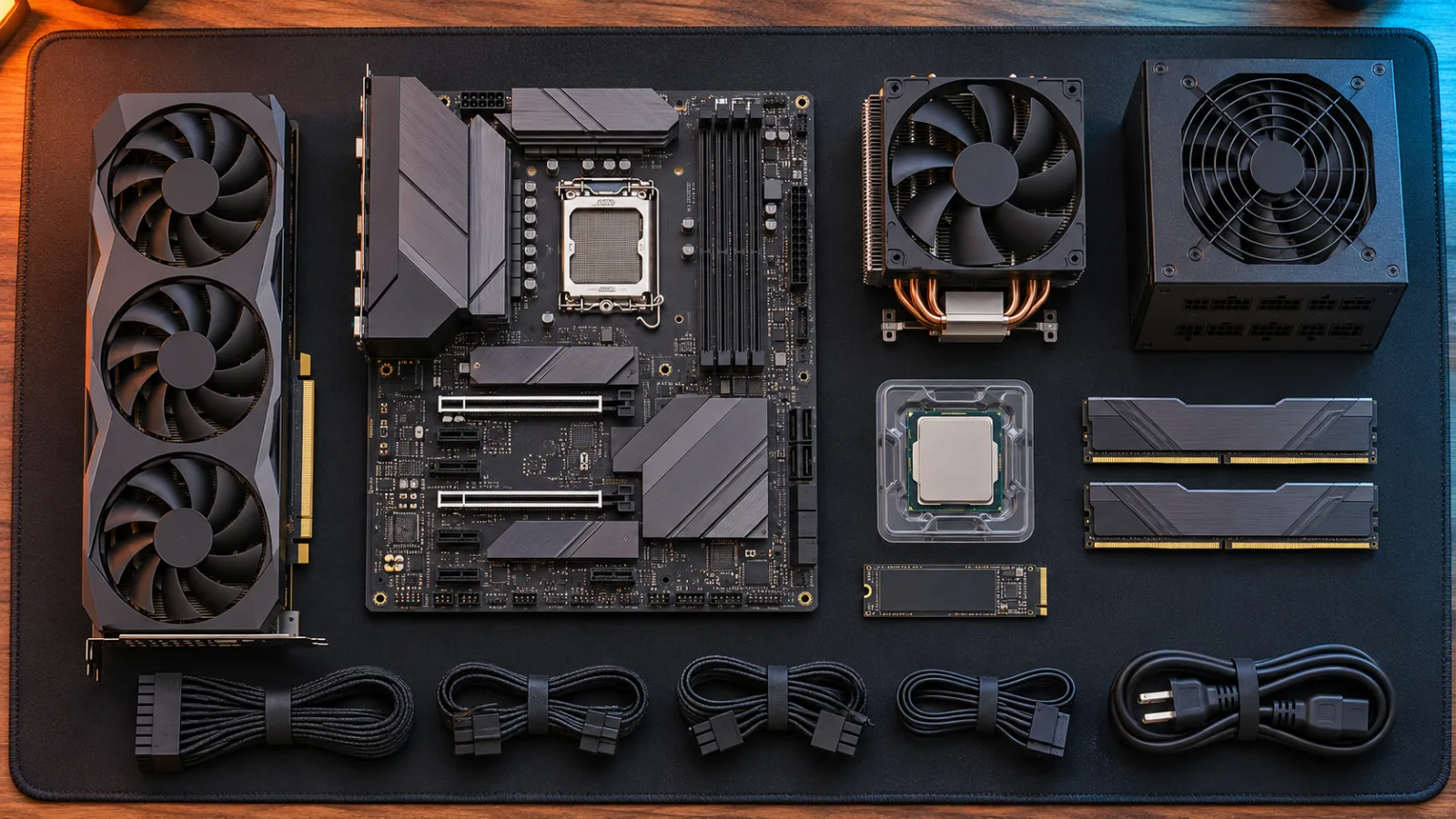
Graphics Card: Match It to the Resolution
The GPU usually has the largest effect on visual settings and frame rate in graphically demanding games. Current product families at the time of fact-checking include NVIDIA's GeForce RTX 50 Series and AMD's Radeon RX 9000 Series.
The family name alone is not enough. NVIDIA's official comparison page lists RTX 50 cards with different memory capacities, power requirements and performance classes. AMD likewise offers Radeon RX 9000 models ranging from lower-tier cards to 16 GB RX 9070-class products. Two cards from the same generation can therefore serve completely different buyers.
Compare these points for the exact model:
- Performance in your games at your intended resolution.
- Video-memory capacity and texture demands.
- Ray-tracing and upscaling features you will actually use.
- Total board power and the recommended power supply.
- Card length, thickness and power-connector clearance.
- Price in your region, including credible previous-generation alternatives.
Do not assume more video memory automatically makes a slower GPU faster. It can prevent memory-related limits in some workloads, but the processor design, bandwidth and game behavior still matter.
Processor: Avoid Both Bottlenecks and Overkill
The CPU handles game logic, draw calls, simulation, background tasks and much of the work required to produce very high frame rates. Competitive games at low settings can be particularly sensitive to CPU performance because the graphics card finishes frames quickly.
For a general gaming build, a current six- or eight-core desktop processor is a practical starting class. Spend more when benchmarks show a real benefit in your games or when you also stream, compile code, edit video or render on the CPU.
Check the exact motherboard socket and chipset. A processor can physically fit only the correct socket, and some motherboard-and-CPU combinations require a BIOS update before they will boot.
Memory: 32 GB Is the Comfortable Default
Sixteen gigabytes can still run many games, particularly esports titles and focused budget systems. Thirty-two gigabytes gives a new 2026 build more room for browsers, voice chat, launchers, modern games and background applications without moving into workstation territory.
Use a matched kit rather than mixing unrelated modules. Confirm that the motherboard supports the memory generation, capacity and speed. Enable the supported memory profile in firmware only after the system is stable.
Storage: Buy Enough Space for Real Libraries
A 1 TB NVMe SSD is a sensible minimum for a new gaming desktop, but it can fill quickly once Windows and several large games are installed. A 2 TB drive is often the more comfortable choice when the budget allows.
Prioritize capacity, reliability and warranty before paying heavily for peak sequential speeds that may make little difference in normal gameplay. Keep free space available for patches, temporary files and shader caches.
Power Supply: Quality Before Wattage Marketing
Choose the power supply after selecting the CPU and graphics card. Use the GPU manufacturer's recommendation as a starting point, then account for the complete system, transient loads, connectors and reasonable upgrade headroom.
An oversized low-quality unit is not better than a properly sized, reputable model. Verify:
- The required wattage for the final component list.
- The exact native connectors needed by the graphics card.
- Physical PSU length and case support.
- Independent safety certifications and professional electrical testing.
- Warranty length and availability in your region.
Never reuse modular power cables from a different PSU unless the manufacturer explicitly confirms compatibility. Connectors can look identical while using a different pin layout.
Case and Cooling: Airflow Is a Performance Feature
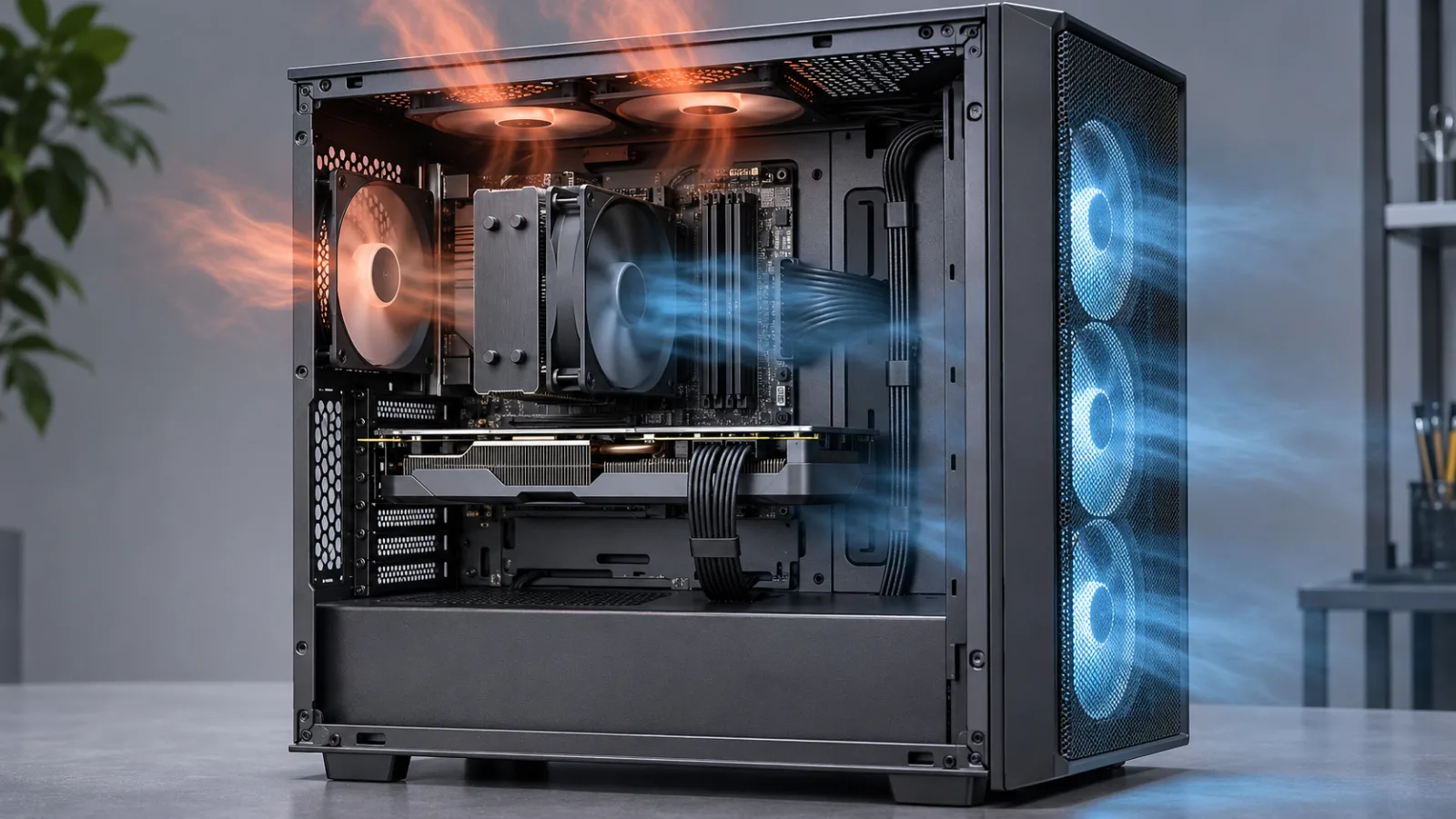
A closed glass front may look clean but can restrict intake. Look for a mesh or otherwise well-ventilated front, unobstructed fan mounts and enough clearance for the chosen GPU and CPU cooler.
A sensible airflow layout usually brings cool air in through the front or bottom and exhausts warm air through the rear and top. More fans are not automatically better; placement, speed and noise matter. Large air coolers are often sufficient for gaming CPUs, while liquid cooling can be useful for specific hot processors, compact layouts or aesthetic preferences.
Check four dimensions before ordering:
- Maximum GPU length and thickness.
- Maximum CPU-cooler height.
- Radiator size and mounting clearance, if used.
- Power-supply and cable space.
Prebuilt vs Custom Gaming PC
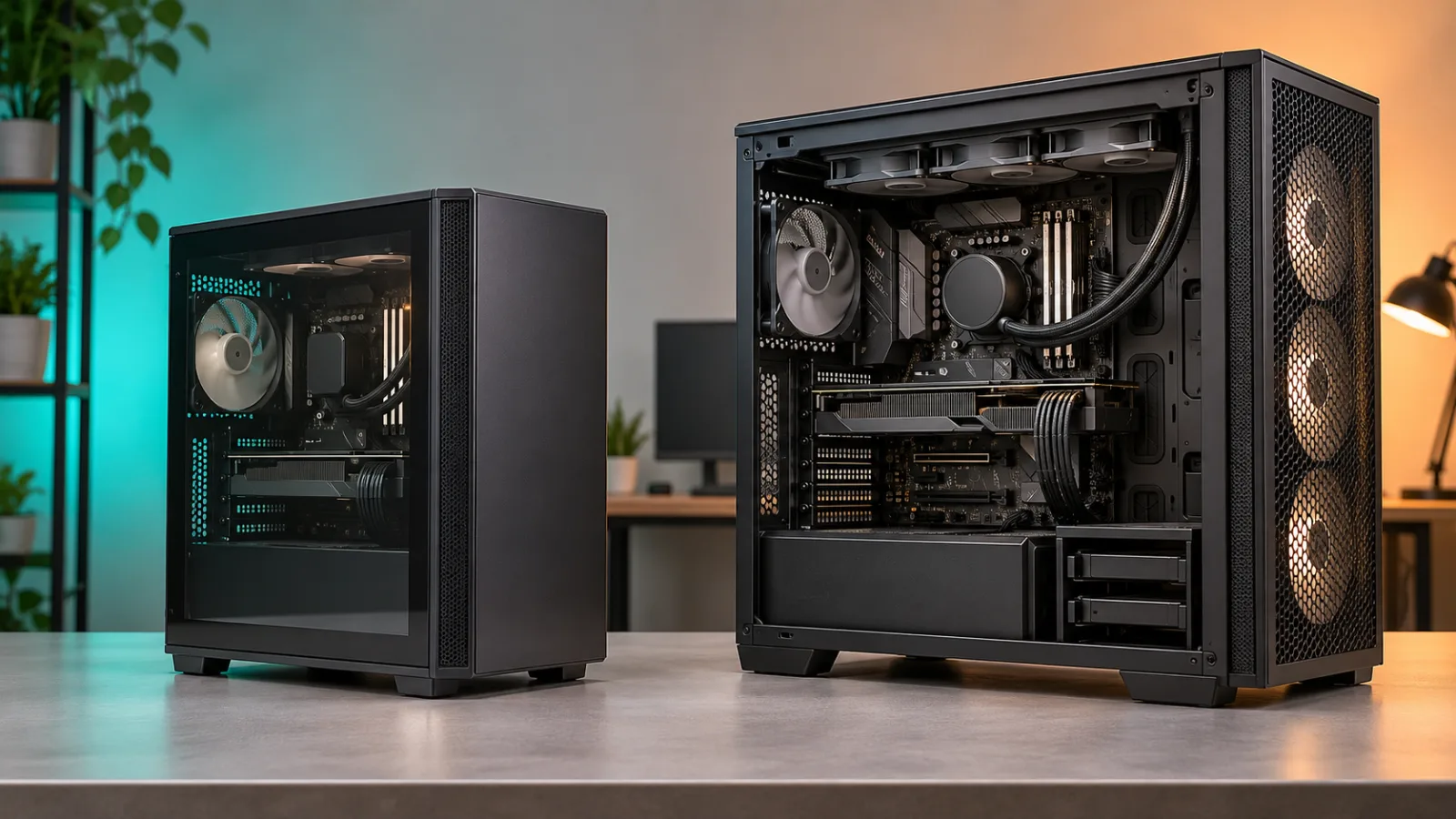
Neither route is automatically superior. The better choice depends on price, time, warranty expectations and willingness to troubleshoot.
| Factor | Prebuilt gaming PC | Custom gaming PC |
|---|---|---|
| Setup | Usually ready after updates | Assembly and operating-system setup required |
| Part choice | Limited to listed configurations | Full control over every component |
| Warranty | One point of contact for the complete PC | Separate warranties for individual parts |
| Upgradability | Varies; proprietary parts may limit upgrades | Easier to plan around standard parts |
| Troubleshooting | Vendor support can help | Builder diagnoses the system |
| Value | Depends on sale price and hidden component quality | Transparent parts, but no included assembly labor |
How to Judge an HP, ASUS or Other Prebuilt
Ignore the logo for a moment and inspect the exact configuration. Large manufacturers often reuse one product-family name across several CPUs, graphics cards and memory options.
Before buying, find answers to these questions:
- What is the complete CPU model, including its suffix?
- What is the exact GPU and video-memory capacity?
- Is the memory one module or a matched pair, and can it be upgraded?
- What are the SSD capacity and interface?
- What power supply is installed, with which connectors?
- Are the motherboard, PSU and case based on standard form factors?
- Does the case have unobstructed intake and exhaust airflow?
- What does the warranty cover, and who pays return shipping?
- Is Windows activated with a legitimate license?
- Are there enough display outputs and USB ports for your setup?
If the seller hides the PSU, motherboard or memory configuration, treat that missing information as a purchasing risk. A familiar brand does not compensate for an unbalanced build.
How to Use PCPartPicker Without Trusting It Blindly
PCPartPicker is useful for organizing a component list, comparing retailer prices and catching many obvious compatibility conflicts. It should be a first filter, not the final authority.
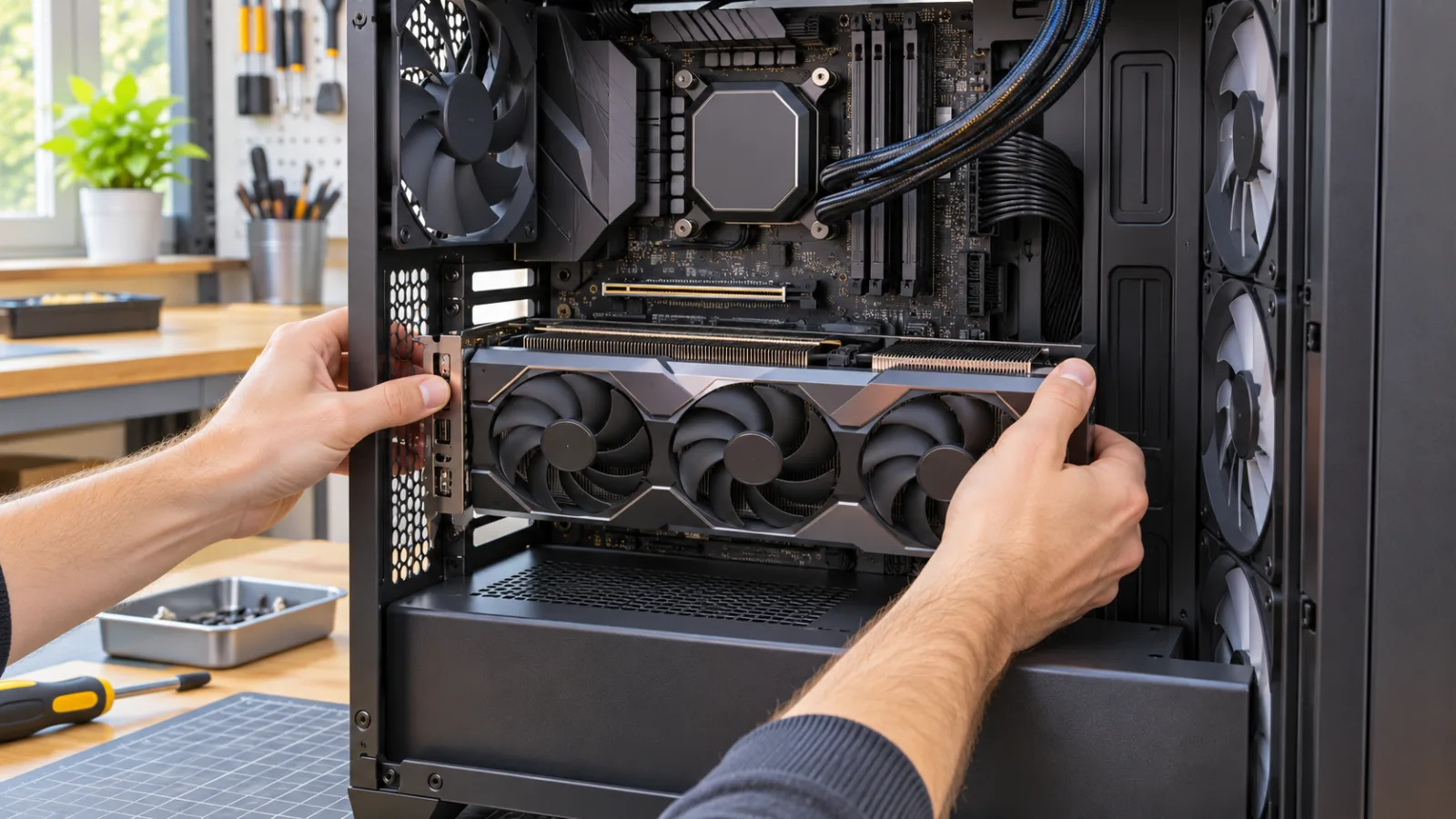
Use this workflow:
- Select the CPU and compatible motherboard platform.
- Add a matched memory kit from the motherboard's supported memory generation.
- Choose the GPU and check its exact dimensions on the manufacturer's page.
- Add storage and confirm that using a particular M.2 slot does not disable another port you need.
- Select a case that supports the motherboard, GPU, cooler, radiator and PSU dimensions.
- Add the power supply only after the final CPU and GPU are known.
- Read every compatibility note instead of relying on the green status alone.
- Verify the finished list against each manufacturer's manual.
Automated tools cannot always guarantee RAM clearance, cable bend radius, radiator interference, BIOS readiness or comfortable assembly space. A technically compatible system can still be awkward, noisy or difficult to upgrade.
Why a New Gaming PC Should Use Windows 11
Microsoft ended regular Windows 10 support on October 14, 2025. Windows 10 computers still function, but systems outside an Extended Security Updates path no longer receive normal security updates or technical support.
For a new gaming PC in 2026, Windows 11 is therefore the practical default. Microsoft's minimum requirements include a compatible 64-bit processor, 4 GB of RAM, 64 GB of storage, UEFI firmware with Secure Boot capability, TPM 2.0 and DirectX 12-compatible graphics.
Those are operating-system minimums, not gaming recommendations. A new gaming PC should exceed them comfortably. When buying used hardware, confirm Windows 11 eligibility rather than assuming a fast older processor is supported.
Desktop, Gaming Laptop or Mac Mini?
A desktop gaming PC is usually the easiest option to cool, repair and upgrade. A gaming laptop trades those strengths for portability and an included display, keyboard and battery.
A Mac mini can be a compact and capable computer, but it is not a direct substitute for a Windows gaming desktop. Check macOS availability, anti-cheat support, controller support and performance for every important game before choosing it primarily for gaming. Hardware power cannot run a title that does not support the operating system.
Choose according to the real constraint:
- Desktop: performance, cooling and upgrades.
- Gaming laptop: portability and one-device convenience.
- Mac mini: compact macOS computer with game compatibility checked individually.
Common Gaming PC Buying Mistakes
Buying the GPU Before Choosing a Monitor
Resolution and refresh rate define the workload. Choose the target first, then the graphics card.
Comparing Only Model Names
An RTX or Radeon family contains several performance tiers. Compare the complete model, memory, power and independent benchmarks.
Overspending on the CPU While Underspending on the GPU
For visually demanding games, a more balanced allocation often produces a better result than pairing a flagship CPU with an entry-level graphics card.
Ignoring the Power Supply and Motherboard
These parts may not increase FPS directly, but they affect stability, connectivity and future upgrades. Hidden low-spec components are a common weakness in poorly documented prebuilts.
Buying a Sealed Case for Its Appearance
Lighting cannot replace ventilation. Review the intake path and cooler clearance before judging the exterior.
Planning Around Average FPS Alone
Smooth play depends on consistent frame delivery. Examine low-percentile performance and frame-time behavior in credible reviews, not only the largest average number.
Paying for "Future-Proofing" Without a Plan
Buy useful headroom, not imaginary certainty. A larger PSU, extra storage or upgradeable platform can be rational. Paying for unused flagship performance because a future game might need it is much harder to justify.
Final Gaming PC Checklist
Before placing an order, confirm:
- Your target games, resolution and frame rate are written down.
- Independent benchmarks cover similar settings and hardware.
- CPU and motherboard socket, chipset and BIOS support match.
- Memory generation, kit capacity and module height are compatible.
- GPU length, thickness and power connectors fit the case.
- CPU cooler or radiator fits without blocking other parts.
- The PSU has enough capacity and the correct native cables.
- The case has a clear intake and exhaust path.
- Storage capacity leaves room for Windows, games and updates.
- Windows 11 compatibility and licensing are clear.
- Prebuilt warranty and return terms are acceptable.
- The complete price includes the monitor, operating system and any missing peripherals.
Is a Gaming PC Worth Buying in 2026?
Yes, when you value a large game library, adjustable performance, upgradeable hardware and the flexibility to use the same machine for work, streaming or creative software. A desktop also lets you replace one major component instead of replacing the entire system.
It is a poor purchase when the specification is disconnected from the games and display you own. The phrase "best gaming PC" only becomes useful after you define best for what: 1080p esports, quiet 1440p gaming, portable play, 4K visuals or production work.
Start with that outcome, compare complete systems rather than headline parts, and leave enough budget for a suitable monitor. The result will usually feel faster, quieter and more useful than a machine chosen by brand or model number alone.
Frequently Asked Questions
How much RAM should a gaming PC have in 2026?
Sixteen gigabytes can still work for lighter games and strict budgets, but 32 GB is the comfortable default for a new general-purpose gaming PC. Choose 64 GB when specific production workloads, simulations or large mod collections justify it.
Is it cheaper to build or buy a gaming PC?
It depends on component prices, prebuilt discounts, operating-system cost and how you value assembly and support. Compare a prebuilt against the current retail cost of its exact parts, not against vague component categories.
Is Windows 11 good for a new gaming PC?
Yes. Windows 11 is the practical default for a new gaming system because regular Windows 10 support ended on October 14, 2025. Confirm TPM 2.0, Secure Boot and CPU eligibility when evaluating used hardware.
Should I buy an HP or ASUS gaming PC?
Judge the exact configuration, cooling, standardization, warranty and price rather than the brand alone. Both companies sell multiple product tiers, and two systems with similar names can contain very different components.
Can PCPartPicker guarantee that every part will fit?
No. It catches many common conflicts, but builders should still verify GPU, cooler, radiator and PSU dimensions, firmware support, connector clearance and motherboard manual notes.
Is 1 TB enough storage for a gaming PC?
It is a practical starting point, but players with several large games may prefer 2 TB. Leave free space for updates, caches and temporary installation files.
Which is more important for gaming, the CPU or GPU?
The answer depends on the game, resolution and target frame rate. High-resolution visual settings usually stress the GPU more, while competitive high-frame-rate play can expose CPU limits. Use benchmarks that match your intended use.
Other useful articles
diagnose stuttering and FPS drops
Target: How to Fix Stuttering and FPS Drops in PC Games
choose a gaming monitor for competitive play
Target: Gaming Monitor for CS2: Refresh Rate Is Not the Whole Story
3 see what CS2 requires in 2026
Target: Counter-Strike 2 in 2026: What New Players Need to Know
fix a Steam download stuck at 99% or 100%