Minecraft Bedrock Edition: Download, Crossplay and Add-Ons Explained
Everything you need to know about Minecraft Bedrock Edition, including safe downloads, cross-platform multiplayer, add-ons and the differences from Java Edition.
Minecraft Bedrock Edition: Download, Crossplay and Add-Ons Explained
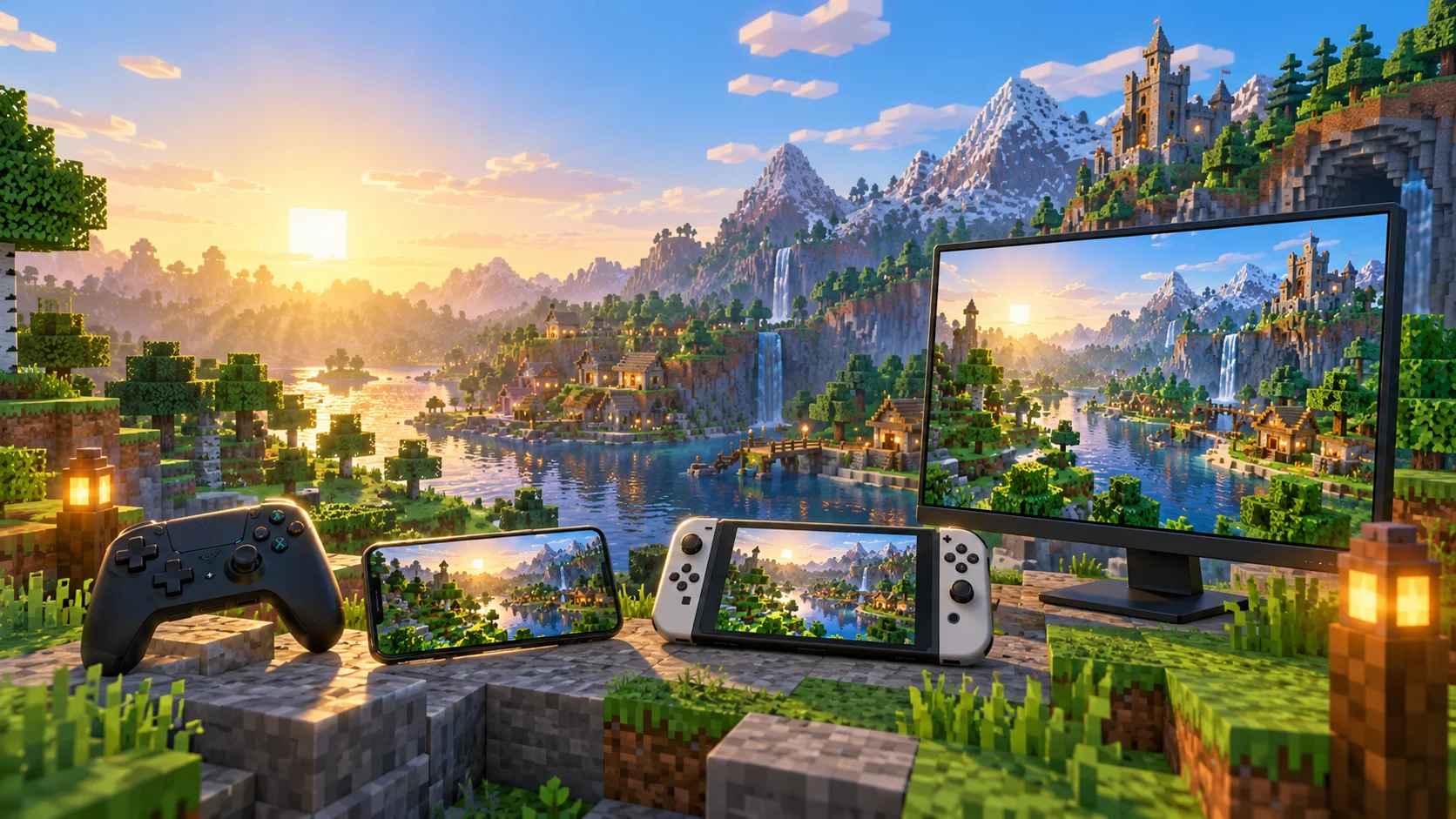
Minecraft Bedrock Edition is the version of Minecraft built for cross-platform play across Windows, Xbox, PlayStation, Nintendo Switch and mobile devices. It is usually the best edition for players who want to join friends on different systems, use a controller or install Marketplace add-ons without managing a traditional mod loader.
This guide explains where to download Bedrock safely, how crossplay works and whether you should choose Bedrock or Java Edition.
What is Minecraft Bedrock Edition?
Bedrock Edition is the shared version of Minecraft used on modern consoles, Windows PCs and mobile devices. Although the storefront name can differ — the Windows version is simply called Minecraft for Windows — these versions use the Bedrock engine and can play together.
Bedrock is available on:
- Windows 10 and Windows 11
- Xbox One and Xbox Series X|S
- PlayStation 4 and PlayStation 5
- Nintendo Switch and Nintendo Switch 2
- Android and iOS
- Compatible Amazon devices and Chromebooks
Mac and Linux users cannot run the native Bedrock Edition. Those platforms officially support Java Edition instead.
Where should you download Minecraft Bedrock?
Only download Minecraft through Minecraft.net or the official store attached to your platform.
On Windows, the Standard Edition contains Minecraft Java Edition, Minecraft Bedrock Edition and the Minecraft Launcher. You therefore do not need to choose one permanent edition when buying Minecraft for PC.
Console and mobile players should purchase the game through the PlayStation Store, Microsoft Store, Nintendo eShop, Google Play or Apple App Store.
Avoid unofficial APK files, cracked launchers and websites promising a “free full version.” Besides the security risk, unofficial copies generally cannot use legitimate crossplay, Realms or Marketplace services.
Minecraft Bedrock vs Java: which one should you play?
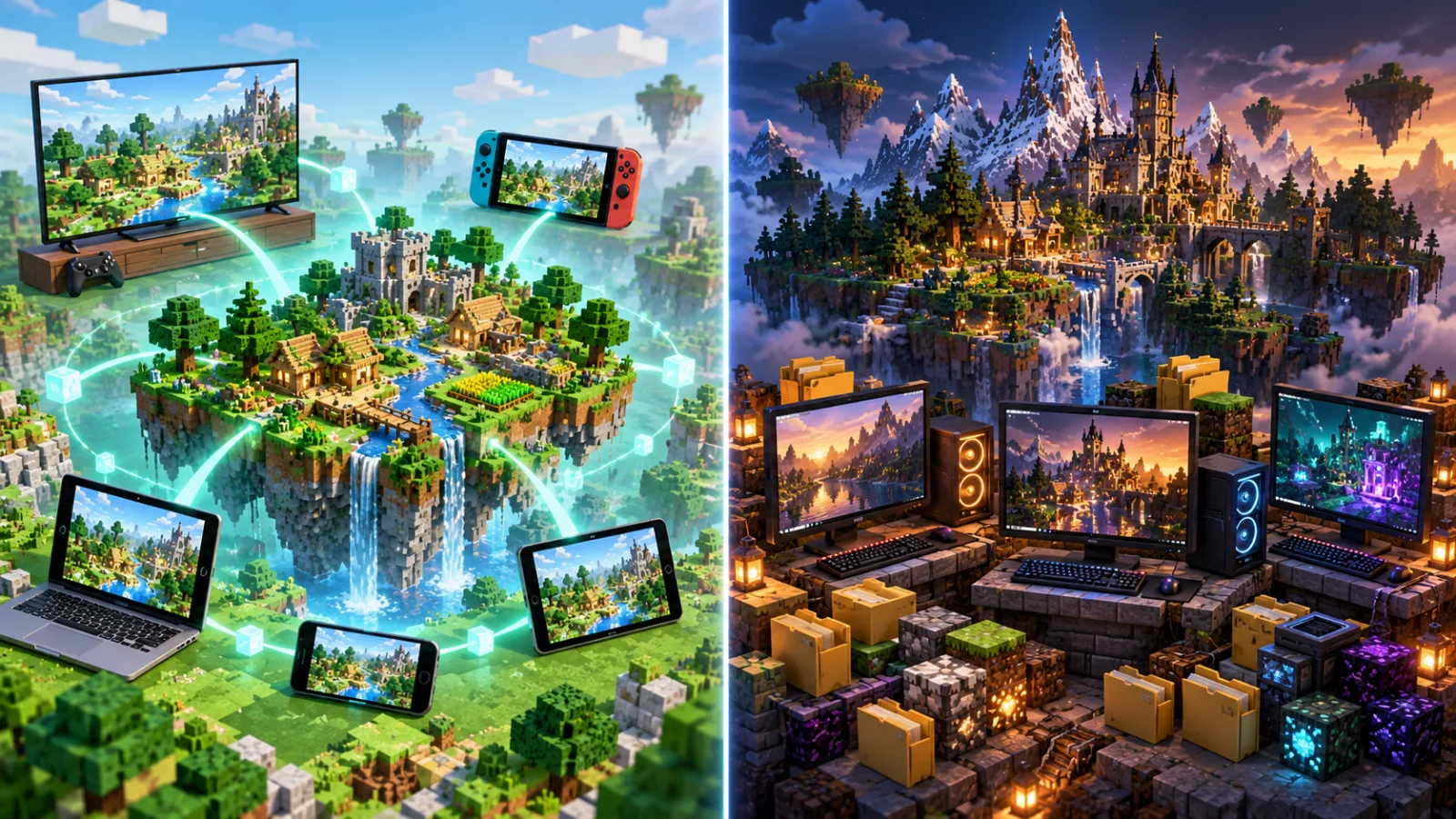
Choose Bedrock Edition when your priority is:
- Playing with friends across PC, console and mobile
- Native controller or touchscreen support
- Console split-screen multiplayer
- Easy access to Realms, featured servers and the Marketplace
- Installing add-ons without a separate mod loader
- Consistent performance on lower-powered devices
Choose Java Edition when you primarily want:
- Large community mods and modpacks
- Custom multiplayer servers and plugins
- Shader and performance-mod flexibility
- Competitive Java PvP clients
- Access from Windows, macOS or Linux
Bedrock and Java players cannot normally join the same vanilla server. Their world saves are not directly compatible either. Conversion tools exist, but blocks, entities and inventories can change during conversion.
For Java performance tuning, see our Lunar Client FPS and Sodium settings guide.
How does Minecraft Bedrock crossplay work?
Bedrock crossplay connects players through Microsoft accounts. The basic setup is:
- Update Minecraft on every device.
- Sign in with a Microsoft account.
- Add the other players using their Microsoft or Xbox gamertags.
- Open a world and enable multiplayer in its settings.
- Send an invitation or join through the Friends tab.
Every player must use a compatible Bedrock version. A device that has not received the latest update may temporarily be unable to join.
Online multiplayer on consoles can also require a platform subscription. Child accounts may need multiplayer and cross-network communication enabled in their family settings.
Players who regularly switch devices can use a Realm to keep one online world available. A locally stored console world does not automatically appear on every other platform.
Nintendo players can also read our Minecraft on Nintendo Switch 2 guide.
Can you install mods on Minecraft Bedrock?
Bedrock uses add-ons rather than traditional Java mods. Add-ons can introduce or modify blocks, mobs, items, recipes, textures, sounds and gameplay behaviour.
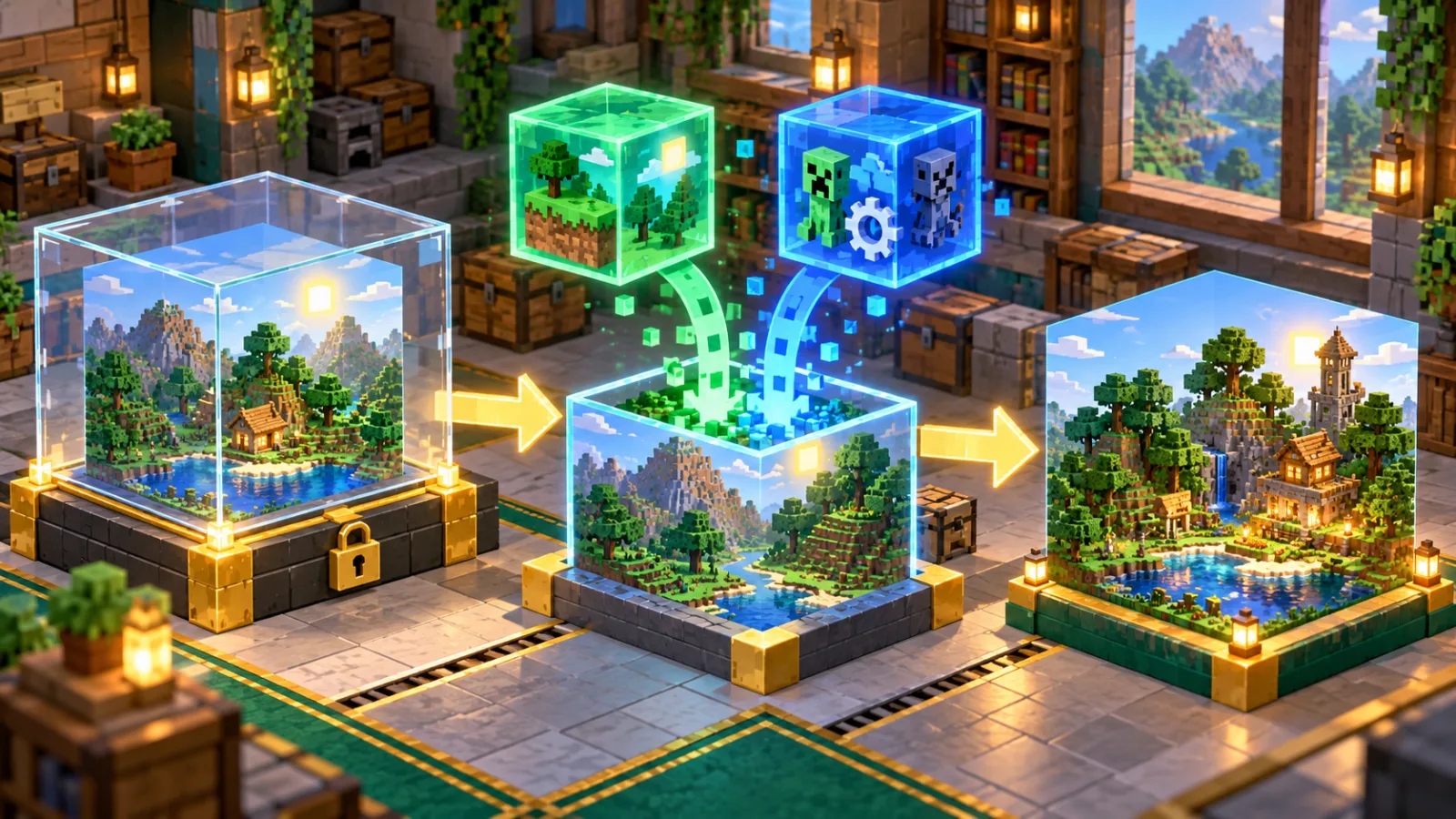
To activate an add-on in an existing world:
- Select Play from the main menu.
- Select the pencil icon beside the world.
- Open Resource Packs or Behavior Packs.
- Find the add-on under My Packs or Available.
- Select Activate.
- Start the world and check whether everything loads correctly.
Create a copy of an important world before adding or removing content. Mojang also recommends limiting the number of simultaneously active add-ons when performance or compatibility problems appear.
Marketplace add-ons can work in single-player, multiplayer and Realms worlds. Players entering a Realm download the packs activated for that world automatically.
How can you improve Bedrock performance?
Start with the settings that affect the amount of world Minecraft must process:
- Reduce render distance
- Reduce simulation distance
- Disable fancy graphics, clouds and unnecessary visual effects
- Test high-resolution texture packs separately
- Close background applications on Windows and mobile
- Keep enough free storage available for world data and updates
Simulation distance affects active mobs, crops and redstone around the player. Render distance mainly controls how far terrain remains visible. Reducing simulation distance can therefore help complex survival worlds without making the horizon extremely short.
When planning a large world, our Chunkbase Minecraft Seed Map guide explains how to locate structures and biomes for both Bedrock and Java.
Is Minecraft Bedrock worth choosing?
Bedrock is our recommendation for mixed-platform friend groups, families and console players. Crossplay is its biggest advantage, while controller support and straightforward add-ons make it easier to manage.
Java remains the stronger choice for extensive modpacks, custom servers and players who want complete control over their PC setup. Because the Windows package includes both editions, PC players can use Bedrock with console friends and switch to Java for mods or competitive servers.
Frequently asked questions
Is Minecraft Bedrock free?
No. Bedrock is a paid game, although it may be included with an eligible Game Pass subscription. Windows buyers receive Java and Bedrock together.
Is Minecraft for Windows the Bedrock Edition?
Yes. “Minecraft for Windows” is the Bedrock Edition available through the Minecraft Launcher and Microsoft Store.
Can Bedrock play with Java?
Not on a standard vanilla server. Unofficial server software can sometimes translate connections, but compatibility depends on the server owner.
Are Bedrock add-ons the same as Java mods?
No. Bedrock add-ons use resource and behaviour packs. Java mods can make deeper engine-level changes but require Java-compatible tools and versions.