
Battlefield 6 Crossplay: Platforms, Settings and Progression
Is Battlefield 6 crossplay, Battlefield 6 cross platform, Battlefield 6 cross progression, turn off crossplay Battlefield 6, Battlefield 6 PC console crossplay, add cross platform friends Battlefield 6, Battlefield 6 console only crossplay, Battlefield 6 crossplay not working
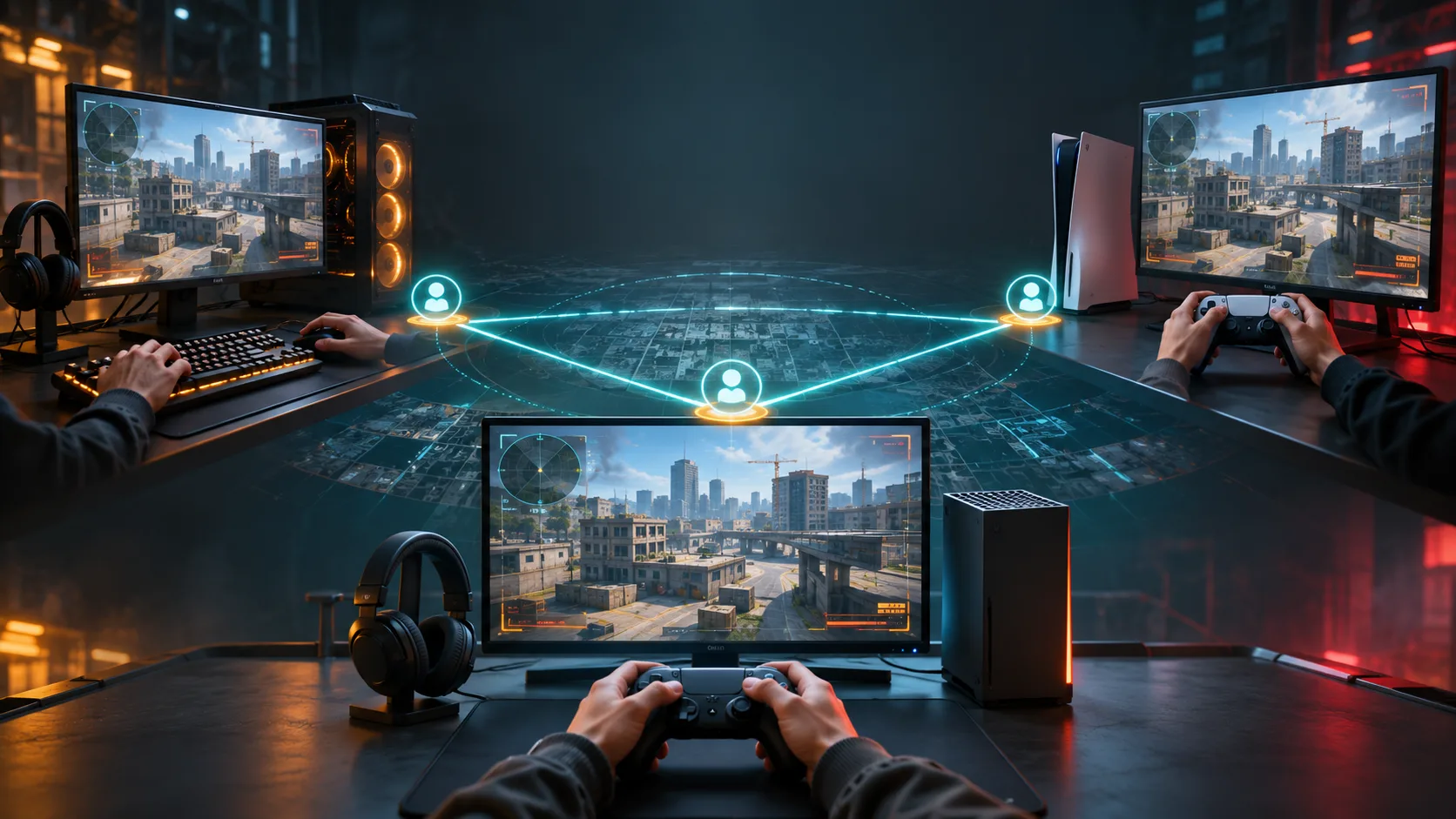
Table of Contents (37 sections) ▼
Yes, Battlefield 6 supports crossplay between PC, PlayStation 5 and Xbox Series X|S. Crossplay is enabled by default. Console matchmaking prioritizes other console players and only expands toward PC when more players are needed, while PlayStation and Xbox users can turn crossplay off to restrict matches to their own platform.
PC players currently cannot disable crossplay. EA says it has no present plan to add that option because another matchmaking pool could increase queue times and reduce match availability.
Battlefield 6 also supports cross-progression. Multiplayer progress is stored through the EA Account, so it can appear on any supported platform linked to that same account. Cross-progression is not cross-buy: you still need access to the game on each platform where you want to play.
Battlefield 6 crossplay at a glance#
| Question | Answer |
|---|---|
| Does Battlefield 6 have crossplay? | Yes. |
| Supported platforms | PC, PS5 and Xbox Series X |
| Is crossplay on by default? | Yes. |
| Do console players always face PC players? | No. Console matchmaking prioritizes console players and expands to PC when needed. |
| Can PS5 players disable crossplay? | Yes. Crossplay off limits matchmaking to PS5. |
| Can Xbox Series X | S players disable crossplay? |
| Can PC players disable crossplay? | No, according to EA's current guidance. |
| Can PS5 and Xbox players form a party? | Yes, through EA Connect. |
| Does the game have cross-progression? | Yes, through the linked EA Account. |
| Does buying one version unlock every platform? | No cross-buy entitlement is announced; platform access is sold separately. |
Which platforms can play Battlefield 6 together?#
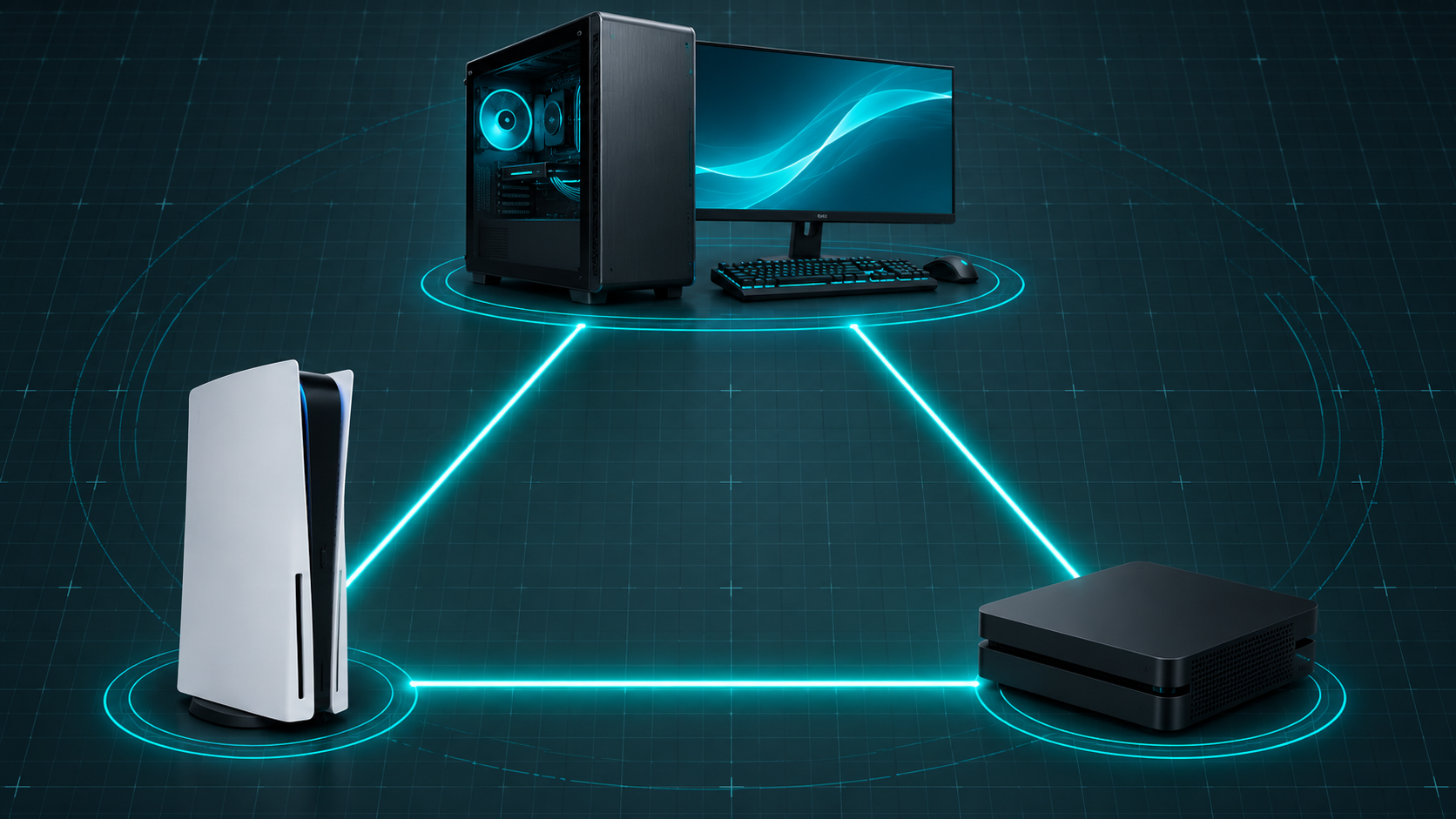
Battlefield 6 crossplay covers all released platforms:
- PC through Steam, EA app or Epic Games Store;
- PlayStation 5;
- Xbox Series X and Xbox Series S.
The game is not available on PS4 or Xbox One, so there is no last-generation crossplay pool. Battlefield Portal experiences can also be played on every supported Battlefield 6 platform, although individual community servers can use their own rules and player limits.
Crossplay means players from the three platform families can join parties and multiplayer sessions together. It does not mean every player is automatically placed into a fully mixed lobby from the first search. EA uses a console-priority system.
Can PS5 and Xbox players play together?#
Yes. Add the other person through EA Connect and invite them to your party. Both players need crossplay enabled because they are using different platforms.
Can console players play with PC friends?#
Yes. A console player can add a PC player through EA Connect and join the same party. The party then enters the cross-platform matchmaking pool.
Does Steam play with EA app and Epic players?#
Yes. They are all PC versions inside the same Battlefield 6 crossplay environment. Steam players do not need the EA app to launch the game, but every player needs an EA Account. Epic Games Store purchasers use the EA app and an EA Account.
How Battlefield 6 crossplay matchmaking works#
With crossplay enabled, Battlefield 6 first tries to place console players with other console players. EA says console players are matched with PC users when there are not enough console players for an appropriate match.
This creates three practical situations:
- Solo console search: the system prioritizes other console players but can expand the pool.
- Mixed console party: PS5 and Xbox friends can search together through crossplay.
- Console and PC party: the group enters matchmaking with PC participation expected.
The precise composition can depend on region, mode, time of day and available population. Large modes require more players than smaller playlists, so broader matchmaking can become more important outside peak hours.
EA's Battlefield 6 FAQ notes that extended waits can affect the preference to avoid PC players. That is why console-priority crossplay should not be described as a permanent console-only pool.
Is Battlefield 6 matchmaking input-based?#
EA's current support pages describe platform-priority matchmaking, not a guaranteed separation by controller and keyboard-and-mouse input. A controller player can therefore encounter mouse users when the lobby includes PC.
Do not assume that connecting a controller to PC places you in console matchmaking. Your platform remains PC even when you use a supported PlayStation or Xbox controller.
How to turn Battlefield 6 crossplay off#
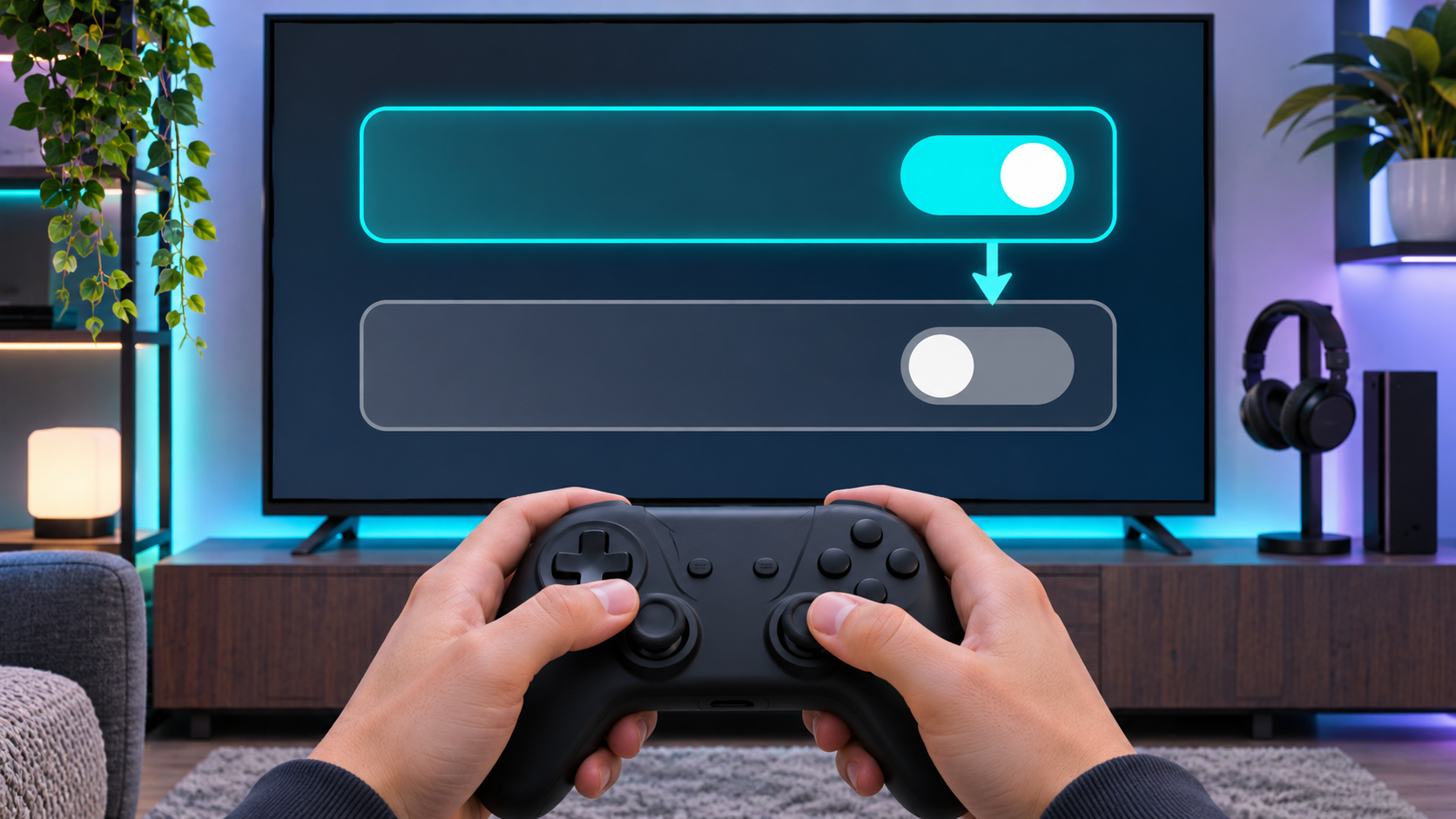
EA's current in-game path on PS5 and Xbox Series X|S is:
- Open Battlefield 6.
- Select the cog to open Settings.
- Select System.
- Find the Setup section.
- Toggle Cross-play off.
You cannot change the setting while you are already in a party, connected to a server or searching for a match. Leave the party and cancel matchmaking before opening the menu.
With crossplay off, you can only play with people on the same platform:
- PS5 players match with PS5 players;
- Xbox Series X|S players match with Xbox Series X|S players.
Turning it off does not create a shared PlayStation-and-Xbox console pool. It creates a platform-specific pool.
How to turn crossplay back on#
Return to Settings > System > Setup and enable Cross-play. Do this before accepting an invitation from someone on another platform.
If the toggle is unavailable, confirm that you are not in a party, server or active matchmaking queue. Then restart the game and check again.
Can PC players turn crossplay off?#
No. EA's current support article says crossplay settings can only be viewed and changed on Xbox and PlayStation. In an October 2026 community update, the Battlefield team said it had no current plan to let PC players disable crossplay because another matchmaking pool could harm match availability.
PC players who want more control over lobby selection can use official server-browsing features when available, but that is not the same as a system-wide crossplay-off switch. Server availability and rules vary.
Should you disable crossplay?#
Keep crossplay on if you want:
- the largest available matchmaking population;
- faster searches, especially in quieter regions or playlists;
- to play with friends on another platform;
- access to mixed-platform parties;
- better availability for large-player-count modes.
Consider turning it off on console if you want:
- matchmaking restricted to your exact platform;
- to avoid PC hardware and input differences;
- a smaller, more predictable platform pool;
- to test whether a connection or party problem is crossplay-related.
The tradeoff is queue time. A same-platform pool has fewer eligible players, which can make searches slower or produce fewer suitable servers. If a match will not start, enabling crossplay is one of the fastest troubleshooting tests.
Crossplay does not determine your aim sensitivity. Players moving between shooters or platforms can use HEET's mouse sensitivity converter to preserve the same physical turning distance where supported.
How to add cross-platform friends in Battlefield 6#
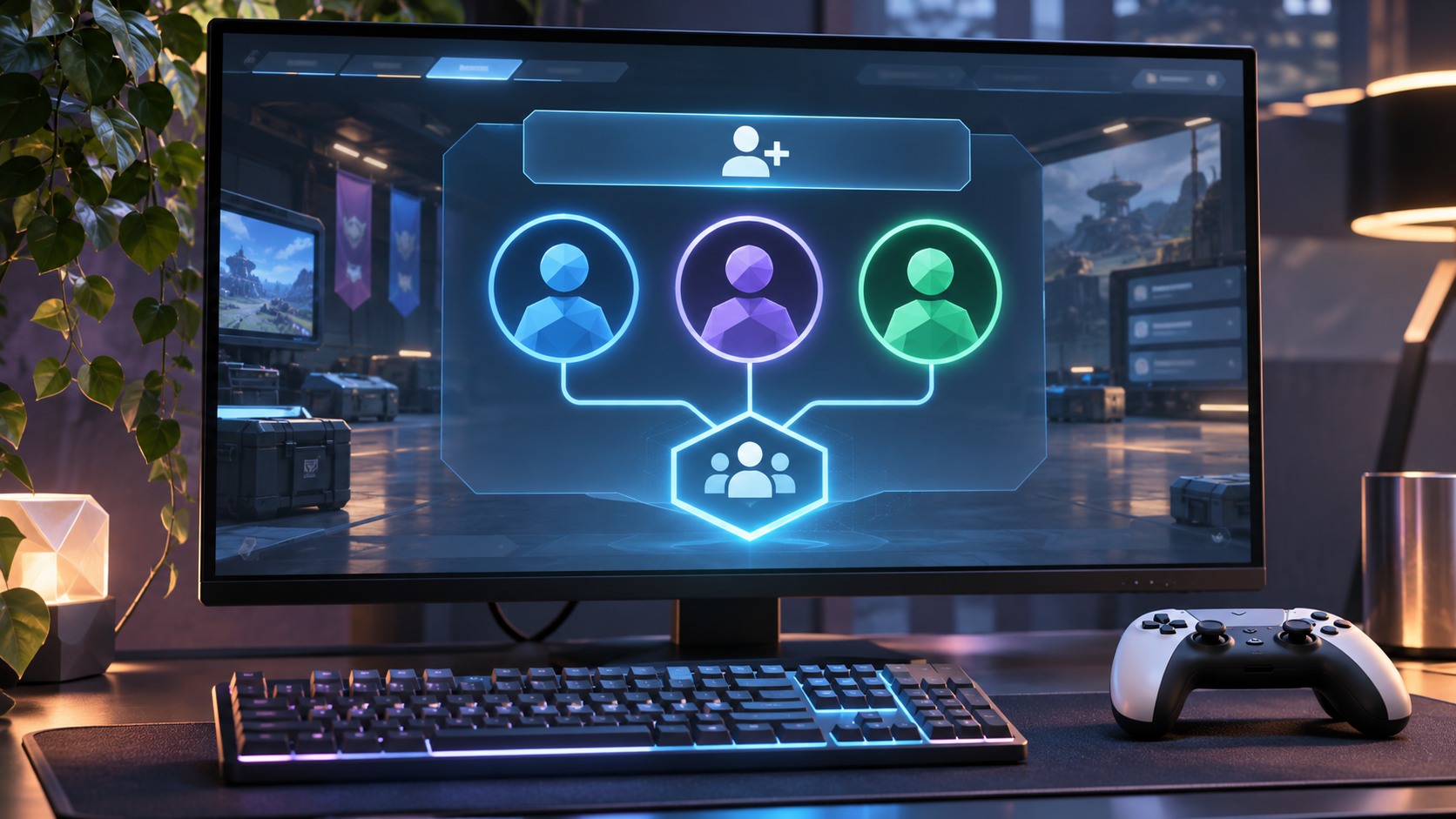
Battlefield 6 uses EA Connect for cross-platform friends and parties.
- Open Battlefield 6.
- Press R2 on PlayStation, RT on Xbox or Tab on PC to open EA Connect.
- Scroll to Player search.
- Enter the person's EA ID or platform ID.
- Select Done.
- Find the correct result and choose Add friend.
- Ask the other player to accept the request under Friend requests.
- Open the Friends tab and invite them through the Party tab.
Adding a platform friend as an EA friend is useful even when you currently use the same system. The EA friendship remains available if one of you later changes platform.
Why can I not find my friend?#
Check these items in order:
- confirm the exact EA ID, including spelling and capitalization;
- search the platform ID if the EA ID does not appear;
- make sure both accounts permit friend requests and online interaction;
- confirm neither player has blocked the other;
- restart EA Connect after a newly accepted request;
- verify that both games are updated;
- check that crossplay is enabled before forming a mixed-platform party.
Child and teen accounts can have platform privacy or parental settings that prevent cross-network communication. Those restrictions may need to be changed through PlayStation, Xbox or the EA Account rather than inside Battlefield 6.
Does Battlefield 6 have cross-progression?#
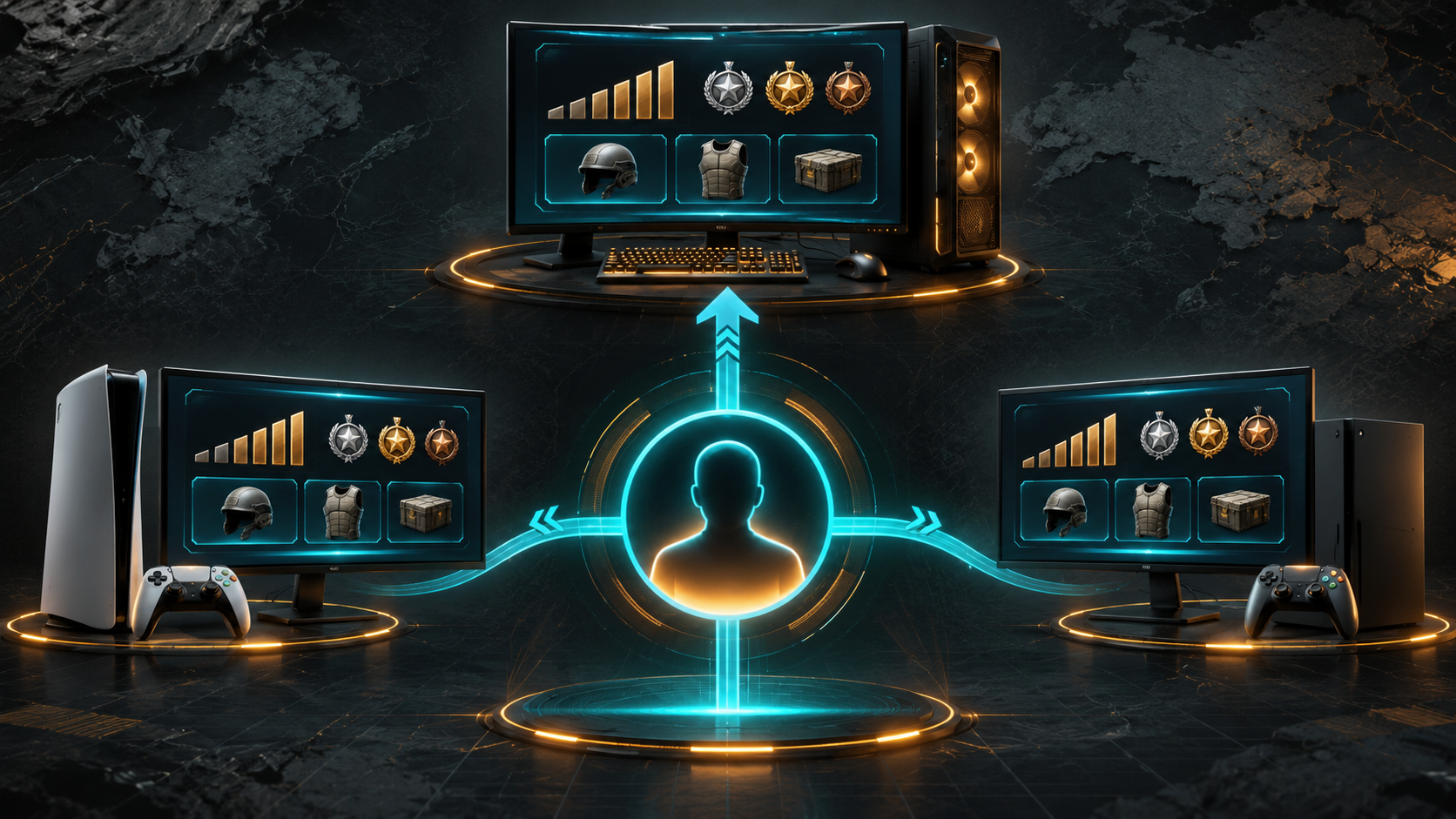
Yes. Battlefield 6 progress is tied to the EA Account. When the same EA Account is correctly linked to your PlayStation, Xbox or PC platform account, you can access that progress on the supported platforms.
This makes the EA Account the central identity for progression. Before starting on a second system, check the Connected Accounts page in your EA Account settings and make sure the intended platform account is linked.
EA warns that unlinking the wrong account can cause lost access to purchases, progress or the game. Do not unlink an established console or Steam connection merely to test a different email address.
What carries across platforms?#
EA's crossplay guide states that all Battlefield 6 progress is tied to the EA Account. The Battle Pass guide also says Battle Pass progress and purchases belong to the account used for the transaction.
In practice, always verify that the same EA identity is active before earning or buying content. If something is missing, first restart the game and check the signed-in account before contacting support.
Does cross-progression mean cross-buy?#
No. Cross-progression synchronizes account progress; it does not provide a free game license for every storefront. Battlefield 6 or the required access must be available on each platform where you launch the premium game.
Platform subscriptions may also be required for console multiplayer. Check the current PlayStation or Xbox requirements for your region.
Can you move progress to a different EA Account?#
Do not assume so. EA stores progress through the linked EA Account and warns that not everything transfers when accounts are unlinked. Choose the long-term EA Account before playing extensively or purchasing content.
If an account is linked incorrectly, read EA's account-linking warnings and contact EA Help before disconnecting it. Account changes can be limited, and a hasty unlink can create a much larger problem than the original login issue.
Battlefield 6 crossplay not working: fixes in order#
1. Confirm every platform is supported#
Crossplay requires PC, PS5 or Xbox Series X|S. A PS4 or Xbox One cannot join because Battlefield 6 was not released for those systems.
2. Enable crossplay before joining the party#
On console, leave all parties and cancel matchmaking. Go to Settings > System > Setup, enable crossplay and then send the invitation again.
3. Add the player through EA Connect#
A platform-level friendship may not be enough across different systems. Add the person's EA or platform ID in EA Connect, accept the request and invite from the in-game Party tab.
4. Check the linked EA Account#
Sign in to EA Account settings and inspect Connected Accounts. Confirm your PlayStation, Xbox or Steam identity is attached to the EA Account you actually use for Battlefield 6.
Do not unlink first and investigate later. EA explicitly warns that incorrect unlinking can affect progress, purchases and access.
5. Update and restart the game#
All party members should install the latest Battlefield 6 update. Fully close the game, restart the console or PC, and reopen EA Connect.
6. Check privacy and parental controls#
Allow multiplayer, friend requests and cross-network communication in the relevant platform account. Managed accounts may require approval from the family organizer.
7. Test without a mixed-platform party#
Search for a normal match alone. If solo matchmaking works but the mixed party fails, rebuild the party with a different leader and re-invite each member.
8. Check EA service status#
If multiple players suddenly disappear from EA Connect or every invitation fails, the issue may be server-side. Check EA Help and official Battlefield communication before changing account links or reinstalling the full game.
The best Battlefield 6 crossplay setup#
For most players, the recommended setup is straightforward:
- leave crossplay enabled;
- link every platform to one long-term EA Account;
- add regular squadmates as EA friends;
- use a wired connection where practical;
- keep the game updated;
- avoid unlinking accounts unless EA Support confirms the correct recovery path.
Console players who strongly prefer same-platform matches can disable crossplay, but should expect a smaller pool. Everyone else benefits from the faster matchmaking and easier squad formation that the shared ecosystem provides.
Frequently asked questions#
Is Battlefield 6 crossplay between PC and console?#
Yes. PC, PS5 and Xbox Series X|S players can join cross-platform parties and matches. Console matchmaking prioritizes console players before expanding toward PC.
Is Battlefield 6 crossplay between PS5 and Xbox?#
Yes. PS5 and Xbox Series X|S players can add each other through EA Connect and form a party while crossplay is enabled.
Can I turn off PC crossplay in Battlefield 6?#
Console players can turn crossplay off, which restricts them to their own platform. PC players currently cannot disable crossplay.
Does turning crossplay off give console-only crossplay?#
No. Crossplay off means same-platform matchmaking only. PS5 matches with PS5, while Xbox Series X|S matches with Xbox Series X|S.
Does Battlefield 6 use input-based matchmaking?#
EA documents console-priority matchmaking, not guaranteed controller-versus-controller separation. PC remains the PC platform even when a controller is connected.
Does Battlefield 6 have cross-progression?#
Yes. Progress is stored through the EA Account and is accessible on supported platforms linked to that same account.
Do I need to buy Battlefield 6 again on another platform?#
Cross-progression does not provide cross-buy. You need valid access to Battlefield 6 on each platform where you want to launch the premium game.
Why is the crossplay setting locked?#
Console players cannot change it while in a party, connected to a server or actively matchmaking. Leave those activities and return to Settings > System > Setup. PC players do not have the off toggle.
Can Steam and Epic players play together?#
Yes. Steam, EA app and Epic Games Store users are all part of the PC and wider crossplay environment, provided their EA Accounts are correctly connected.
HEET Precision Tools Hub
Sharpen your mechanical gameplay with our suite of esports utilities. Benchmark your reaction time, replicate professional player crosshair codes, and convert mouse sensitivity across games.